I read a lot of markdown because of working with coding agents. Everything (agents.md, product docs, spec files, agent skills, notes about past changes, experiment reports, and so on) is markdown.
All of this adds up to a lot of reading. And reading long markdown files in the default VS Code setup totally sucks.
Victor Mono is my default font. Good for code, but reading documents in monospace font isn’t a great experience. Opening the markdown preview helps a bit, but opening a preview for every file is too annoying.
Well, changing a few settings can make both views much more comfortable to read.
Here’s the before and after. In both screenshots, the left side is the regular markdown editor you see when you open a file. The right side is the rendered preview.
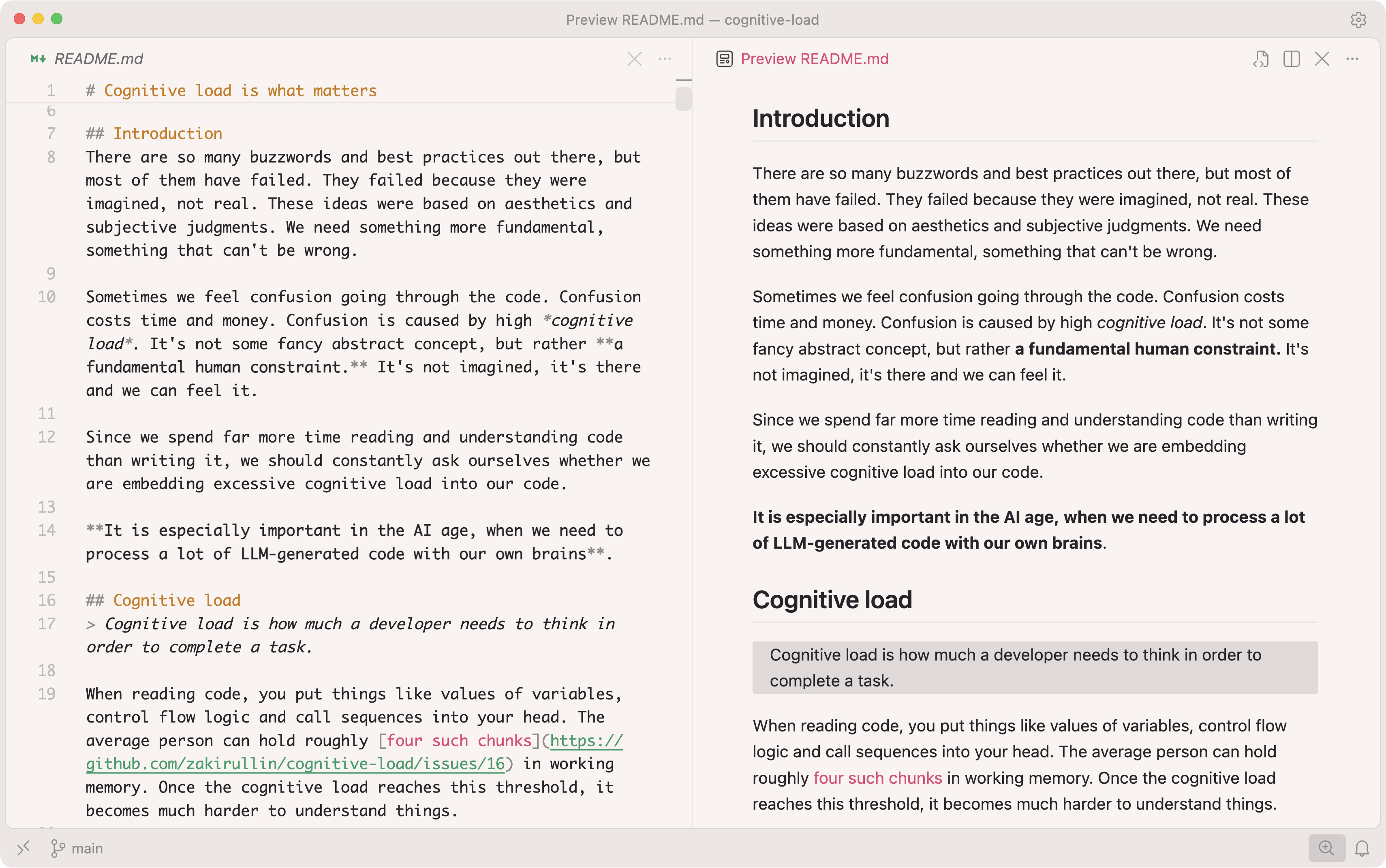
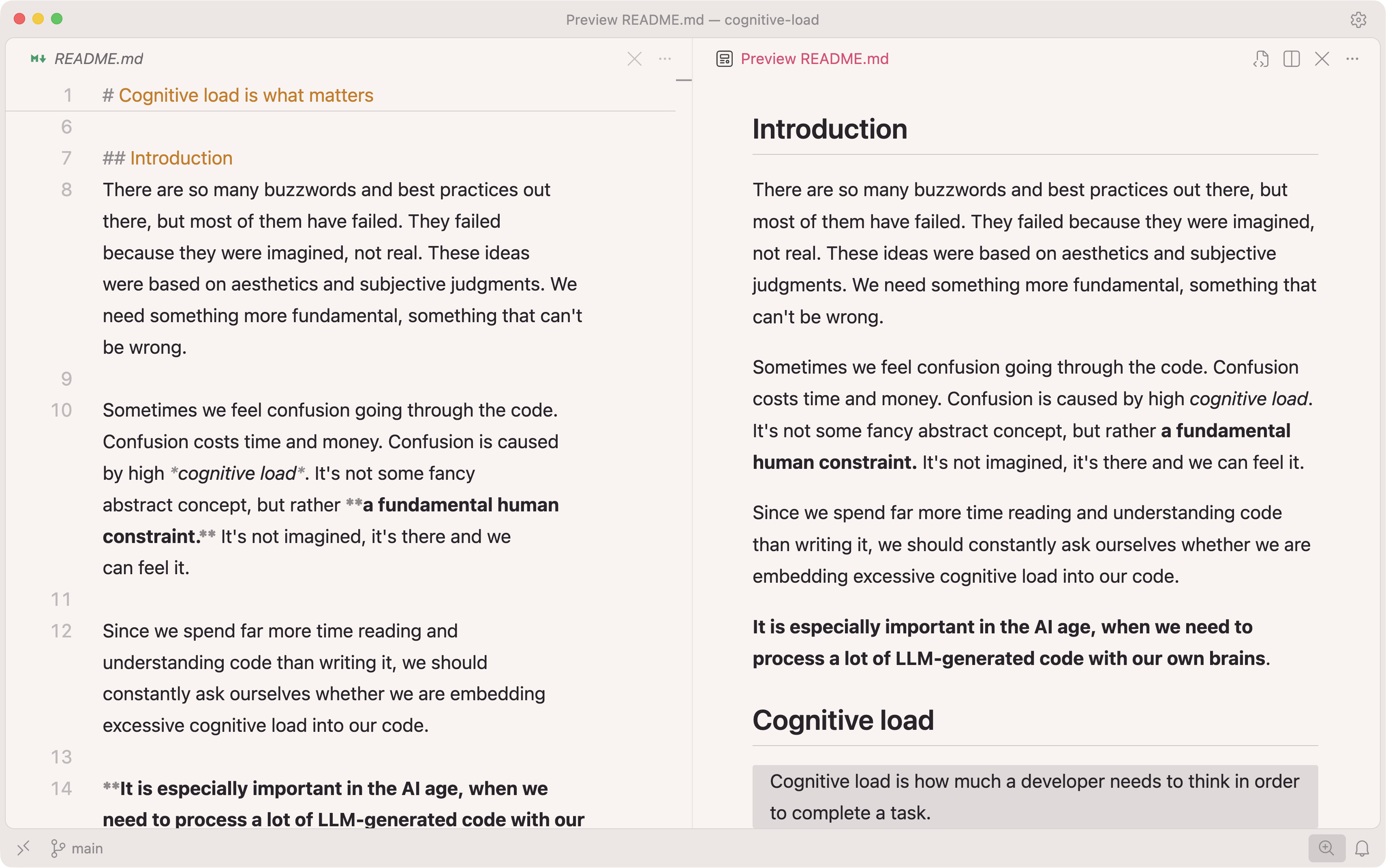
I find Inter good enough for reading long texts. You can use whatever font you find comfortable. Just make sure it’s installed on your machine though.
You just need to add the following into your
settings.json. If you already have a
[markdown] section, add these editor settings to that
section.
{
  "markdown.preview.fontFamily": "Inter, -apple-system, BlinkMacSystemFont",
  "markdown.preview.fontSize": 16,
  "markdown.preview.lineHeight": 1.7,
  "[markdown]": {
    "editor.fontFamily": "Inter, -apple-system, BlinkMacSystemFont",
    "editor.fontSize": 16,
    "editor.fontWeight": "400",
    "editor.lineHeight": 27,
    "editor.wordWrap": "bounded",
    "editor.wordWrapColumn": 95,
    "editor.minimap.enabled": false,
    "editor.lineNumbers": "on",
    "editor.folding": true,
    "editor.guides.indentation": false,
    "editor.renderWhitespace": "none",
    "editor.stickyScroll.enabled": true,
    "editor.scrollBeyondLastLine": true
  }
}
The markdown.preview.* settings control the preview. The
[markdown] section changes the markdown editor view. Feel
free to adjust the settings a bit to fit your needs.
With this setup, I rarely need to open the preview. Hope this helps!