Trusted by researchers at



I used to need my laptop just to see how a run turned out. On the subway, that's not happening. Now I have AgentsDock.
 mira
mira
Vibe coding from my phone, anywhere. I can check how my model training is going in whatever spare minutes I have — and it sends back the images and videos.
 tomo
tomo
It connects to multiple servers and lets you switch between them anytime. Before this, doing anything from your phone meant stitching tools together, or connecting Codex to one server and that's it.
 kai
kai
Incredibly efficient. The mobile side of it is really well done.
 Humanoid researcher
Really solid overall — it's become the main AI platform in my workflow.
 Krish Mehta · @djkesu1
Actually, really useful — looks like Termius, Claude, Codex and Cursor created a robot baby.
 Ray
Ray
Thank you for AgentsDock — it let me tweak my itinerary from my phone in Hawaii.
doggy bot
All my friends are on it now.
How it works
- 1Set up your server with a few simple commands
- 2Access the server from any device
- 3Have your agents do research and model training for you
We support:
- Tailscale (optional)
- tmux (optional)
# 1 · Install the AgentsDock server
$ git clone https://github.com/ZhengyiLuo/AgentsServer.git
$ cd AgentsServer
$ ./install.sh

# 2 · Launch the app and paste your server URL
$ open -a AgentsDock
Built for AI researchers
A dock for all your agents
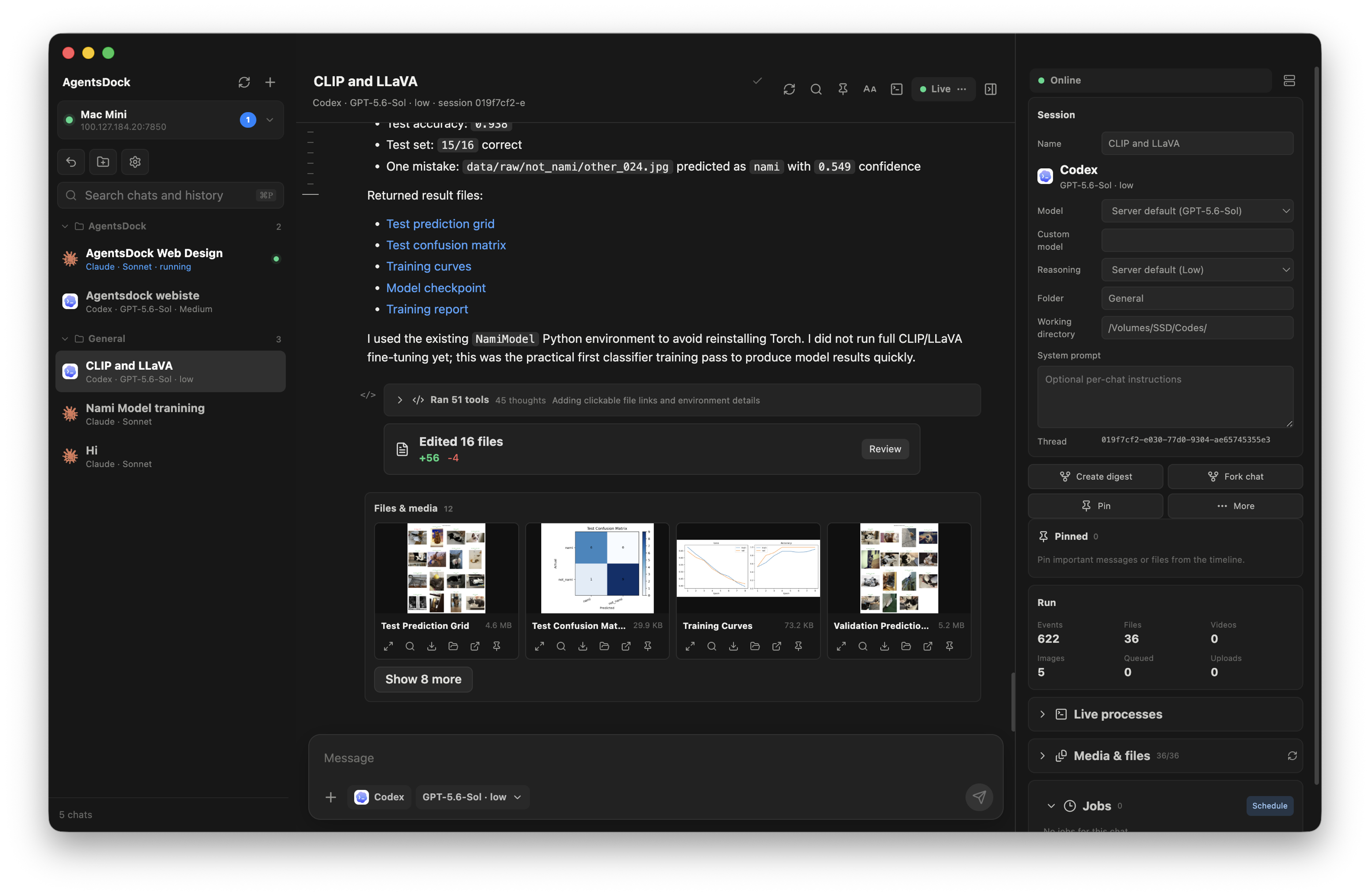
Chat with different agents — Claude Code, Codex, and more — side by side in one place.
Connect multiple servers, from any device
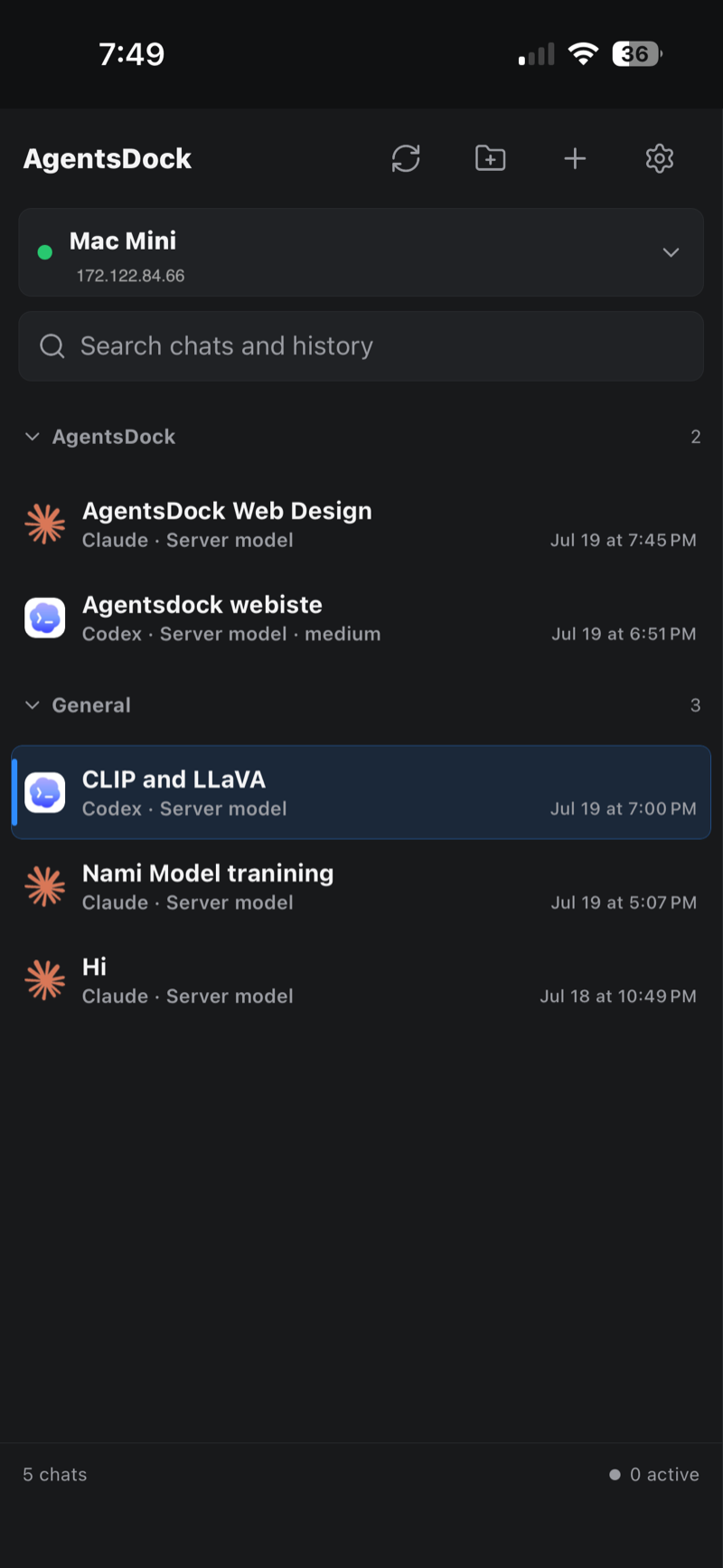
Your lab workstation, your Mac mini at home, a rented GPU box — connect them all and switch between them anytime, from every device you own.
View and edit code
Open, edit, and syntax-highlight files on your remote — no separate editor needed.
Full terminal access from anywhere
Attach to your chat's persistent tmux session from any device — the same shell, everywhere.
Check video job results
Agents return plots, images, and rendered rollouts inline — review a run's real output right in the chat.
Loading current release
Bring your agents into the Dock.
Install the desktop client, connect it to your AgentsDock server, and keep Claude and Codex available from every machine you use.