The principle works because it respects the user’s cognitive load. When people are focused on a task, too much information can distract or discourage them. Progressive Disclosure keeps the interface clean and relevant, while still supporting depth.
Imagine you're about to learn chess for the very first time. Your teacher starts by explaining the basic rules - how the pieces move, what it means to "capture" your opponent's piece, and the goal of trapping their king in "checkmate".
At this point, they don't overwhelm you with advanced concepts like openings, sacrifices, or en passant. Those will come later, once you've grasped the fundamentals. For now, the focus is on building your foundational understanding, step by step.
As you play your first few games, your teacher gradually layers in new ideas. They explain how to protect your king by "castling". They show you common checkmating patterns. Over time, as you internalize the basics, they introduce more nuanced tactics and strategies.
This is the essence of progressive disclosure - revealing the complexity of a system in stages, as the user builds proficiency. It's a pedagogical approach that translates powerfully to digital interface design.
Why is progressive disclosure such an effective technique? To understand, let's consider how humans learn. Educational psychologists have long emphasized the importance of "scaffolding" - providing support structures that help learners progress from novice to mastery.
In the classroom, scaffolding often takes the form of guided practice, where a teacher models a skill, then gradually removes support as the student gains independence. The learning process is staged, with complexity introduced progressively.
Why it matters in design
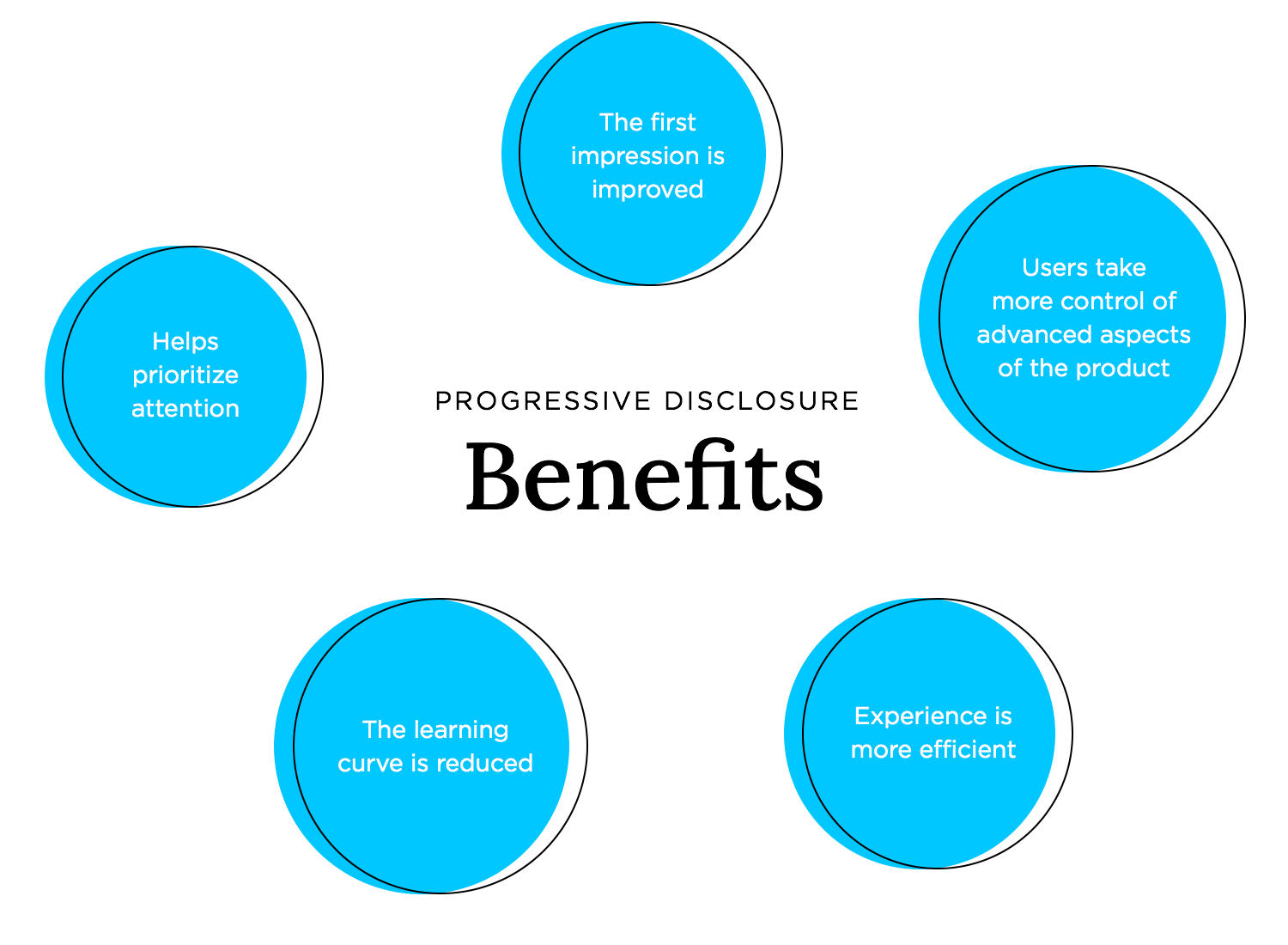
We design for focus. Progressive Disclosure helps reduce friction by giving users what they need now, and nothing more. It enables faster decision-making, smoother onboarding, and clearer user flows.
It also empowers exploration. When users are ready to dive deeper, the interface invites them in—with control, not clutter.
Applications in digital products
We can apply Progressive Disclosure to simplify interactions without sacrificing functionality.
- Collapse advanced options under toggles or “More” buttons.
- Use step-by-step wizards to reveal one action at a time.
- Display tooltips or microcopy only when contextually relevant.
- Offer deeper settings or filters after users engage with the basics.
- Reveal content progressively as users scroll or interact.
Industry examples
- Google Docs hides advanced formatting tools until users open the toolbar.
- TurboTax guides users through tax filing one question at a time.
- Notion surfaces new formatting options only when users type certain symbols.
- Airbnb displays detailed filters only after users start a search.
What makes it work
Progressive Disclosure works because it aligns with how people think, step by step. It reduces anxiety, boosts confidence, and allows users to stay in control of their experience.
- Lead with the essential.
- Let users reveal complexity on their terms.
- Make each step feel logical and manageable.
🧠
Less is only more when it leads to more. We don’t just design features—we design when and how they appear. Progressive Disclosure reminds us that timing, not just content, is everything.
Resources
- What is Progressive Disclosure? — IxDF
- Progressive Disclosure — NN/g
- Progressive Disclosure — The Decision Lab
- What is progressive disclosure? Disclose the right information — Octet