Professional image editing tools that anyone can use.
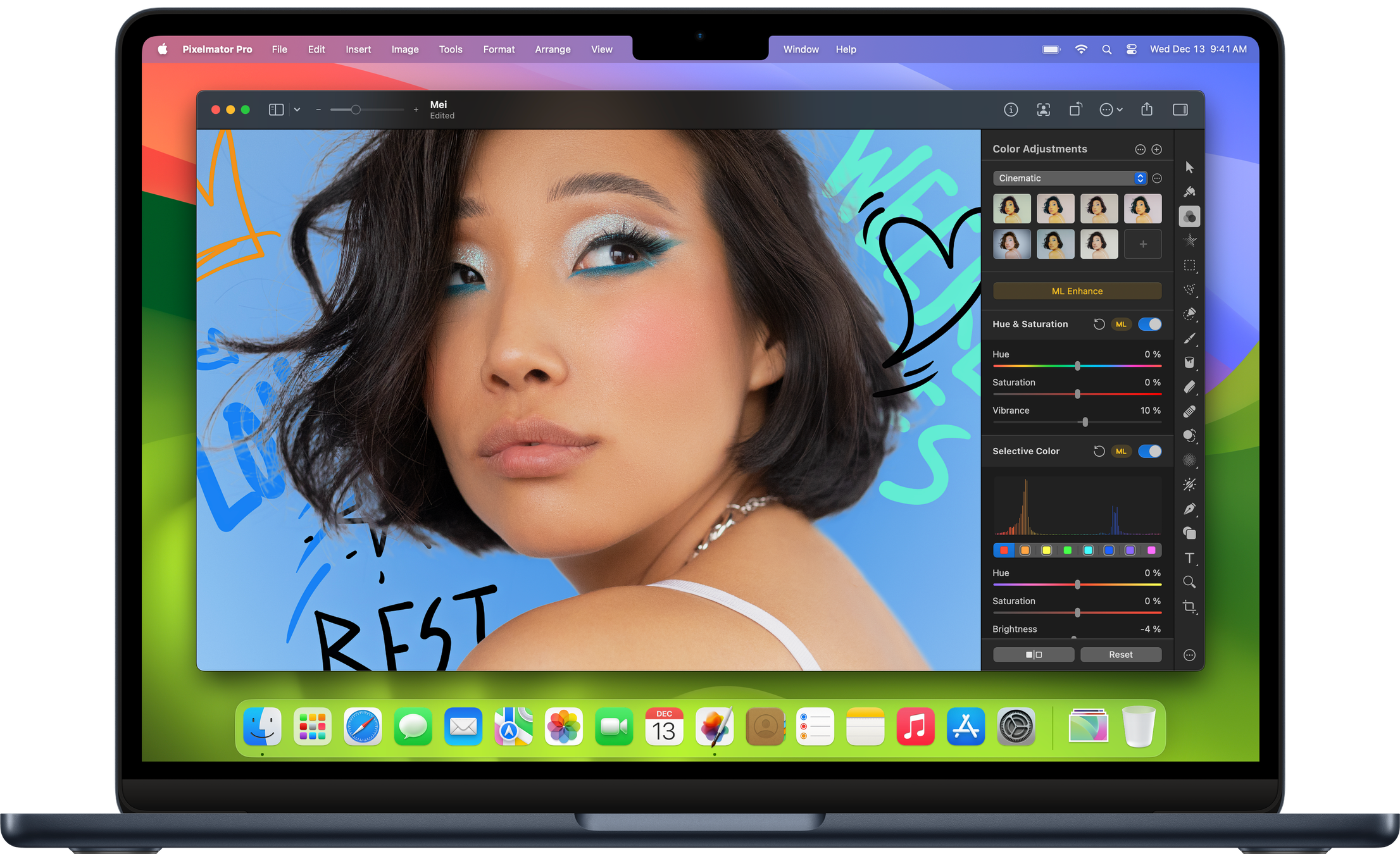
Pixelmator Pro is an image editor designed to make the most powerful professional image editing tools accessible to everyone. And with an extensive collection of tools for editing and retouching photos, creating graphic designs, painting, drawing vector graphics, and adding stunning effects, it’s the only image editor you’ll need.

Resolution Independent
Vector shapes are resolution-independent, so curves always look smooth and edges always stay sharp, no matter how much you resize each shape or even entire vector designs.

Vector Support
Pixelmator Pro supports vector file formats, including PSD, SVG, PDF, Adobe Illustrator, and Illustrator EPS, so you can effortlessly edit shapes and paths in these files, and export them while keeping all their vector data.

Smart Shapes
With a collection of pre-made Smart Shapes, you can quickly add star and various polygon shapes, arrows, speech bubbles, and other shapes to your compositions, then customize them in any way you want.

Layer-Based Editing
Use simple buildings blocks – shape, text, video, and image layers – to create stunning compositions and designs. Add layers in delightfully quick and simple ways, such as by dragging and dropping them straight into Pixelmator Pro, or using the built-in Photo Browser.
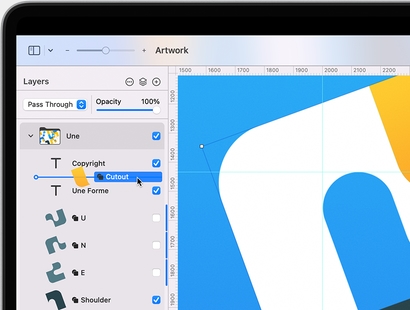

The Arrange tool makes it incredibly easy to create designs. It lets you automatically select layers by clicking them on the canvas, intelligently snaps layers into position as you move them around, and even lets you align and distribute layers automatically.
Layer Styles
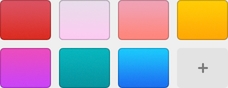
Nondestructively customize the look of any layer in your image by adding fills, strokes, and shadows, or any combination of multiple styles. And with presets, you can save your favorite combinations, use them in any of your images, and even share them with others.
Create stunning designs like a pro – even if you’re a beginner.
Create eye‑catching designs with ease using stunning design templates and see them come to life in beautiful, fully‑customizable mockups.
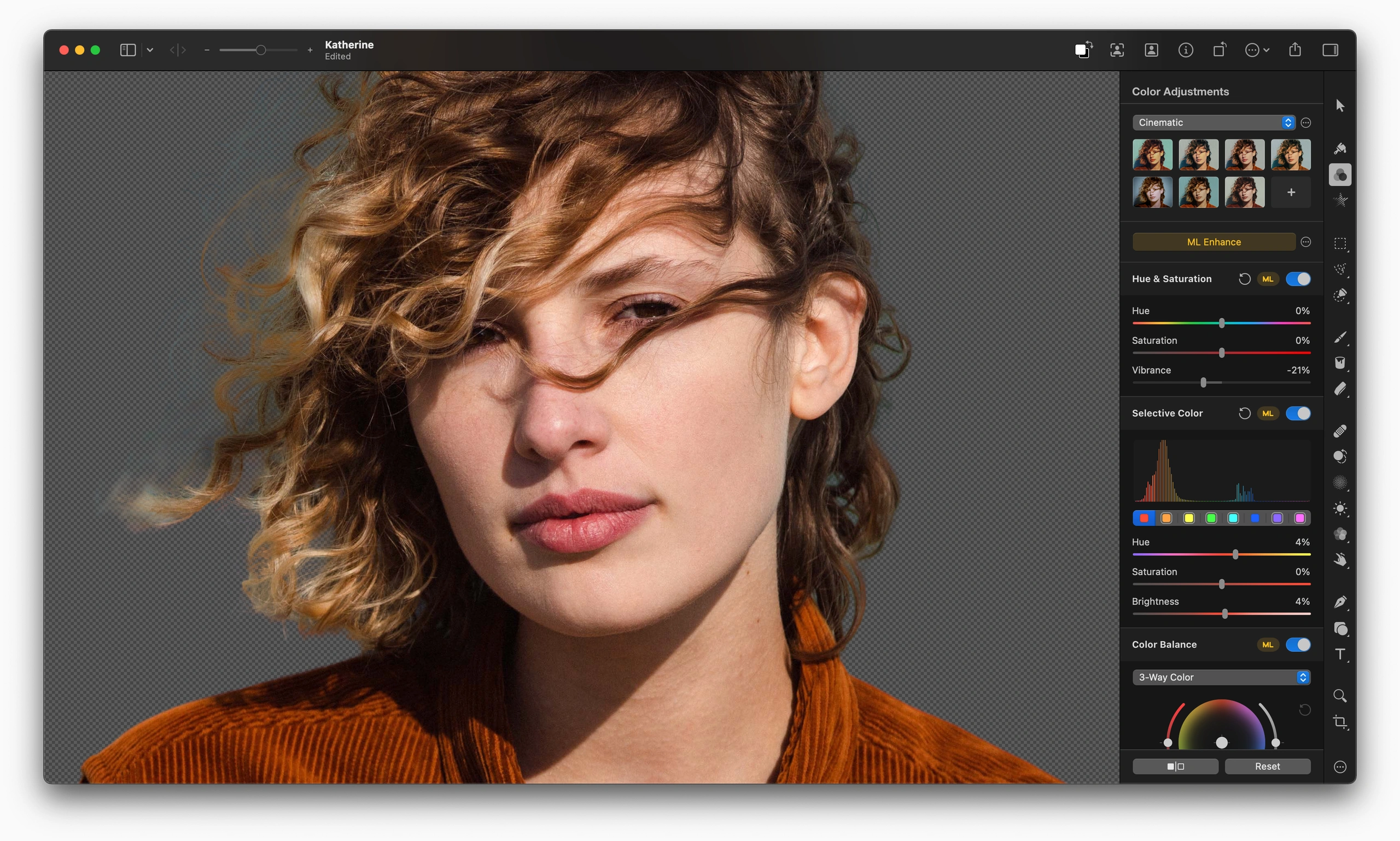

ML Enhance
Automatically enhance photos like a pro photographer.

Super Resolution
Magically increase the resolution of images while preserving sharpness and details.

Match Colors
Quickly and easily match the colors and style of any photo.

Denoise
Effortlessly remove camera noise and image compression artifacts from photos.

Quick Selection Tool
Quickly make accurate selections with ease.

Crop
Improve the composition of photos with just a click.

Remove Background
Remove the background from any image with just a click.

Select Subject
Automatically select the subjects of images with ease.

Select and Mask Tool
Easily make advanced selections of challenging image areas like hair or fur.


Thanks to its advanced algorithm, the Quick Selection tool lets you easily select even the most challenging objects and areas with just a few brushstrokes.
The Magnetic Selection Tool makes complex selections effortless. Simply trace the edges of any object and watch an accurate selection snap around it automatically.
Use the Color Selection Tool to quickly and easily select similarly colored parts of your image.
Make rectangular or rounded selections, select rows and columns, draw freehand selections, and more.
Type on a Path
Pixelmator Pro includes a range of intuitive and easy-to-use tools for designing curved and circular text. Use the Circular Type tool to create circular text, the Path Type tool to create path text, or type text around the edges of any default or even custom shape.

Typography Features
Customize font face, size, and color, adjust emphasis, customize alignment, perfect spacing, add subscript and superscript text, take advantage of advanced typography features such as ligatures, glyphs, and more.
SVG Fonts
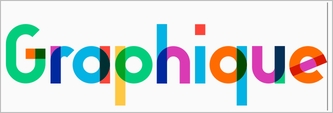
Use multicolored or even textured SVG fonts in your designs.

Over 60 Effects
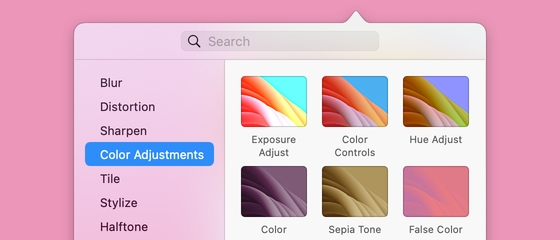
Choose from over 60 effects, carefully arranged into ten groups — Blur, Distortion, Sharpen, Color Adjustments, Tile, Stylize, Halftone, Generator, Fill, and Others.
Effects Browser
The effects browser makes it incredibly easy to find just the effect you need. Browse effects, search for them by name, see instant previews, and quickly apply effects to your currently selected object.


-

Apple Silicon
Pixelmator Pro runs natively on Mac devices powered by Apple silicon, taking full advantage of its incredible performance.
-

Metal
Using Metal, Pixelmator Pro harnesses the full graphics processing power of every Mac.
-

Core ML
The groundbreaking machine learning features in Pixelmator Pro are integrated using Core ML, which brings the best possible ML processing performance on Mac.
-

Built with Swift
Swift is a modern programming language built for efficiency, reliability, and top-notch performance.
-

Core Image
Core Image greatly speeds up processing images, enabling blazing fast, nondestructive editing.
-

SwiftUI
High-performance UI animations are powered by SwiftUI.