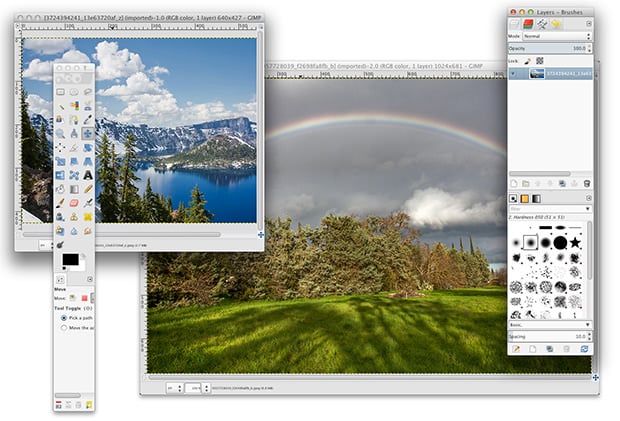
GIMP, the image editing program that’s a popular open-source alternative to Photoshop, is now easier than ever for Mac users to start using. Though it was completely free, installing it has long required that X11 also be installed — a major pain in the butt. That changes with the latest version of GIMP: the app is now a self-contained native app that’s a breeze to install. It’s as simple as dragging and dropping.
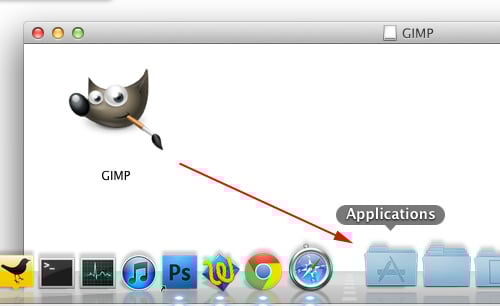
After downloading the app from the GIMP website (a file that weighs in at around 73 megabytes), you’ll have a DMG installer on your hands. Open it up, drag the GIMP.app file to your Applications folder, and voila! GIMP installed, and ready to use!
The total size of the app once you unpack it is about 230 megabytes. We’d say, “make sure you have enough hard drive space”… but this is 2012, and 230MB is what you have on your hands after warming up your shutter finger.
When we tried out this latest version, the app crashed the first time we tried opening it. Other users are reporting this same bug. Try it a second time, however, and it should load just fine.
Aside from this quirk, the 2.8.2 update fixes some bugs that were present in the previous version. Enjoy.
Affiliate Disclosure PetaPixel articles may include affiliate links; we may earn a commission if you buy through one.