The software "ShareMouse" lets you control multiple computers from a single mouse and keyboard:
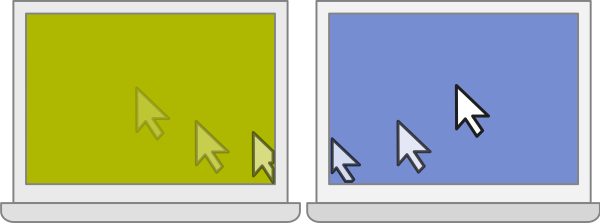
Move the mouse to the monitor of the computer you wish to control and the pointer magically jumps to that computer. Any mouse and keyboard input is transmitted to the corresponding computer.
Similar to a network KVM, ShareMouse transmits mouse movements and clicks through the local LAN. All traffic can be password-protected and AES encrypted.
To switch between computers, there is no additional hardware or press of a button required.
Similar to a keyboard switch, you can seamlessly operate multiple computers on your desk from any mouse and keyboard.
...but never trust the marketing blurb - Let actual users speak:
If you're tired of cluttering up your desk with multiple keyboards and mice, this is the app you've been waiting for.
Lifehacker.com


Drag & Drop Files between Mac & Windows
Transferring files between two computers has never been easier:
Simply drag & drop files between computers. No need to set up file shares or configure cross-platform network protocols.
Clipboard Sharing
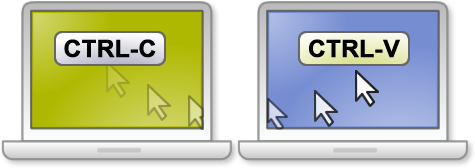
ShareMouse can share the clipboard between multiple computers.
Copy any formatted text or files into the clipboard and paste it any other computer with a single key press.
Private and Secure
Mouse clicks and text input are sent directly between your computers. ShareMouse never records or transmit your input anywhere.
For maximum security, ShareMouse network traffic can be securely AES encrypted.

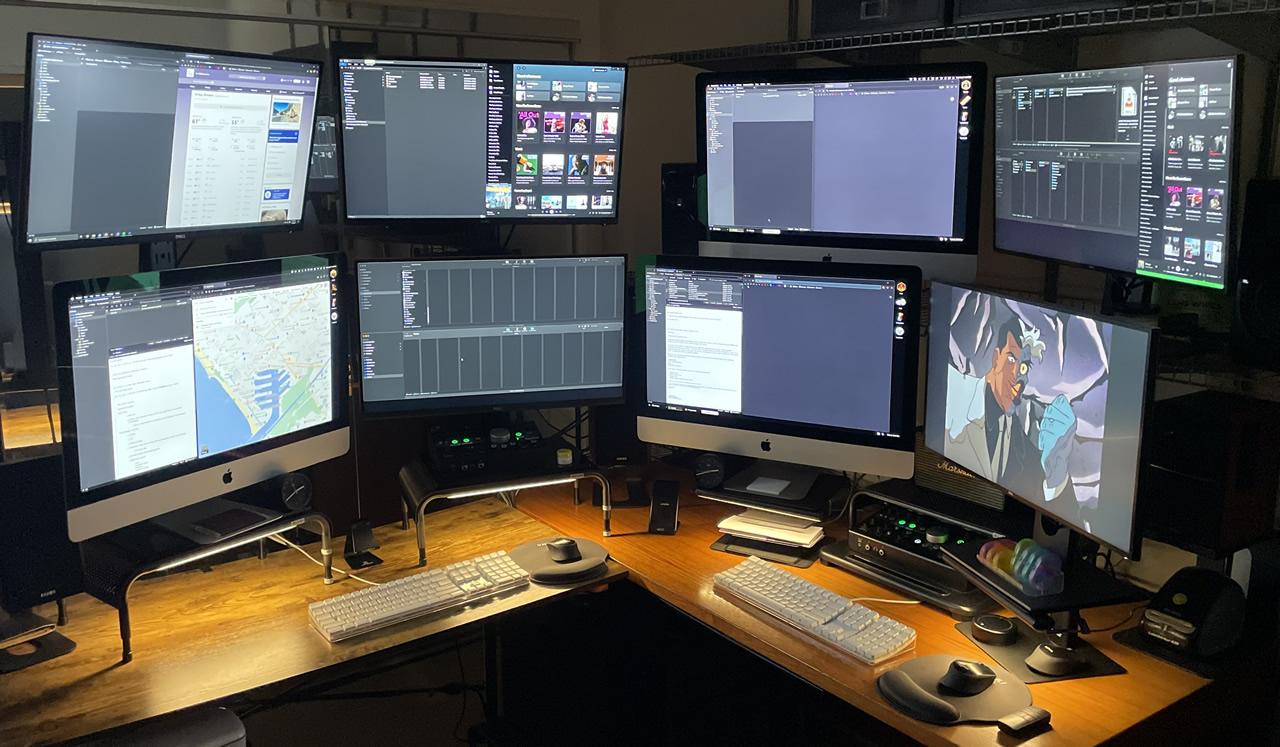
Impressive Eight Display Workstation
A video professional based in LA uses ShareMouse 6 to control multiple Mac and Windows PC from just two sets of mouse/keyboards. In his words:
"I wanted a to have a setup where I wasn’t limited by lack of tools (..) and found ShareMouse the most helpful. It is a software-only KVM switch that allows both sets of keyboards/mice to seamlessly scroll/control all all computers regardless if it is a PC or Mac.”
Check out the feature at Cult Of Mac (03/01/2023)
Please send us your setup!