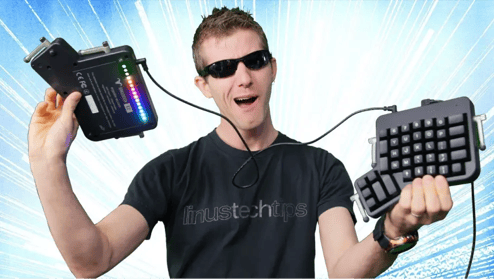
“A no-compromises ergonomic keyboard that actually looks as good as it feels.”
Linus Tech Tips | Watch the full review
The ErgoDox EZ is a proven design.
Since our successful crowdfunding campaign all the way back in 2015, well over 100,000 people have relied on the ErgoDox EZ to get important work done. It’s a reliable design that works well and is deeply supported.

Lovingly maintained.
The ErgoDox EZ is not a legacy product. We are continually updating and improving this model. It’s now powered by the same modern processor as the Moonlander and the Voyager, and it’s got a USB-C connector. This classic is getting the love it deserves.
Split
Open Source
Columnar
AWESOME.
Split Design
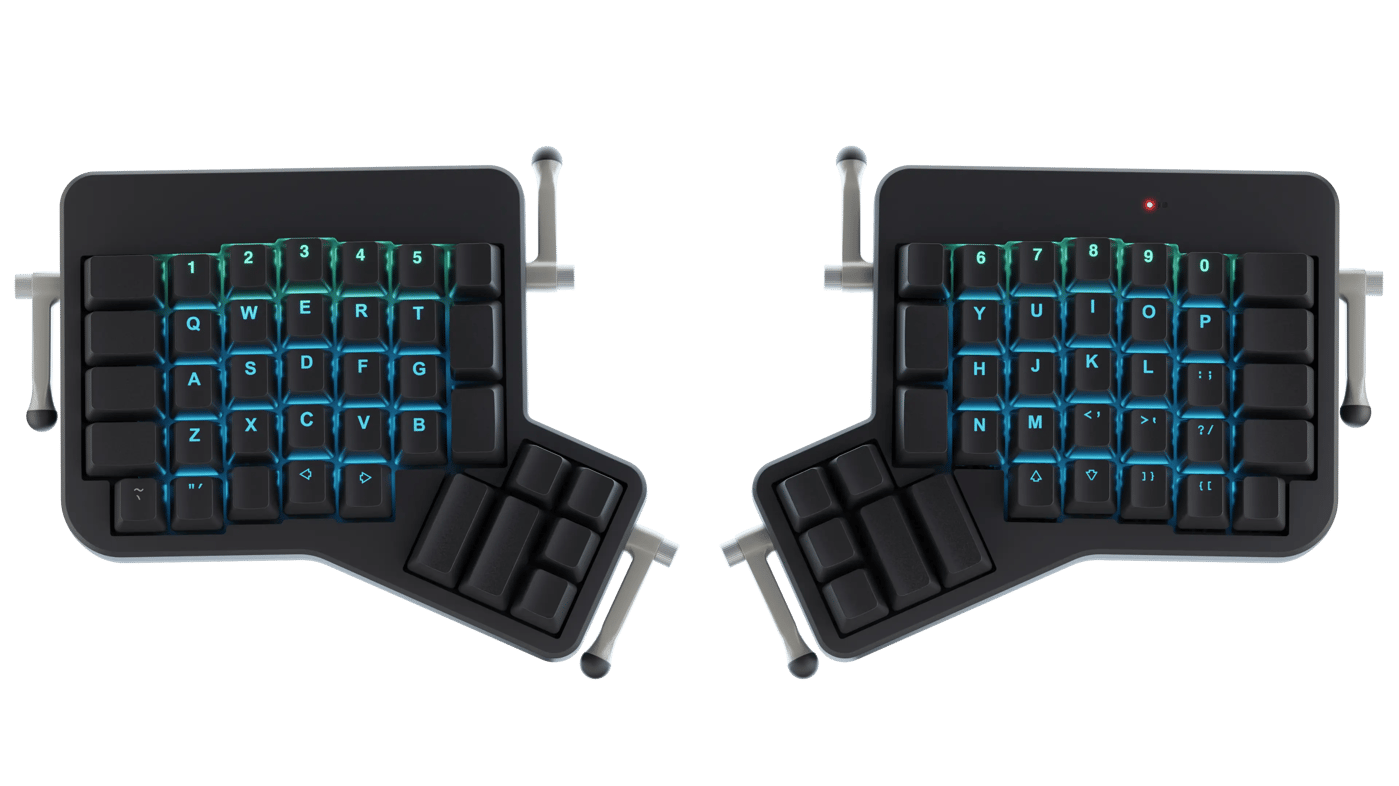
With a truly split layout, the ErgoDox EZ allows you to position each half where it makes sense to you. Typing at shoulder width allows you to keep your chest open and instantly leads to a more relaxed posture. No more hunching over the keyboard.
Download a life-size printable PDF, to try it out on your desk
Comes from a great family
We've been making high-end keyboards since 2015.
Here's our lineup.
Ultimate portability. Ergonomics, anywhere.
Learn MoreFeatures an articulating thumb cluster. Over 40,000 units sold.
Learn MoreOur first keyboard, going strong for years. An ergonomic classic with a big community.
Customize yoursBest Ergonomic Keyboard:
The Upgrade Pick

Golden Hardware Award:
What powerful looks like

Columnar
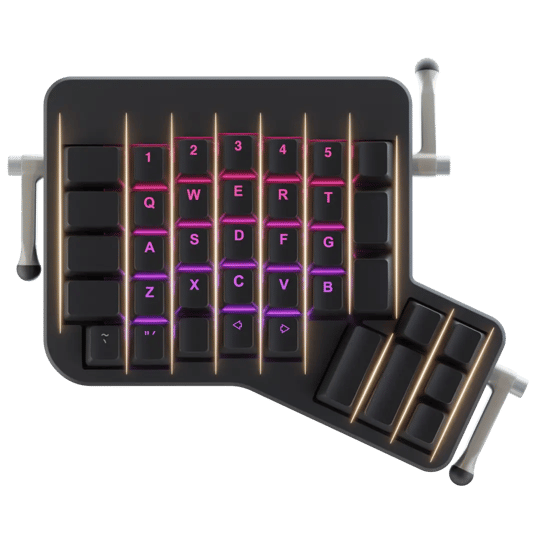
When you extend your finger, it doesn't go sideways, does it? So why are the keys on your keyboard not directly on top of each other? The answer is archaic design, which we fixed. The ErgoDox EZ has linear columns of keys, reducing finger travel and fatigue.

Uncompromising 2-year warranty
The ErgoDox EZ is a serious investment in your future well being, and our warranty policy reflects this. Every unit comes with a two-year, no-BS, no fine-print warranty.
You can even extend this by two additional years, for a four-year warranty on your ErgoDox EZ.
I really didn't have to remap my brain. That was super helpful.
I’ve come to really like the layout, it doesn’t hurt as much, its really nice to use.
I didn’t think about my typing improving, it just was very natural, so that was kinda a nice surprise.
It felt really good to have my wrists at whichever angle I wanted.
In terms of the build quality, customization experience, this is usually the best of any of the keyboards that I’ve used.
Using the layers for punctuation and for numbers is just so comfortable. It's the most useful thing.
Really they are just amazing keyboards, and they are comfortable, and I love them.
I don't think I could really live without it comfortably.
Having all the different shortcuts and macros programmed into the actual piece of hardware so I could take it with me, go to a facility, plug it in, and have it work out of the box was key.
The keyboard is the tool I touch the most throughout the day, so being excited by touching and looking at it is an important element of my keyboard.
Smart Layers
Switch to Photoshop, and the “Photoshop” layer on your ZSA keyboard automatically activates. Click into Fortnite, and now your “Game” layer is suddenly active.
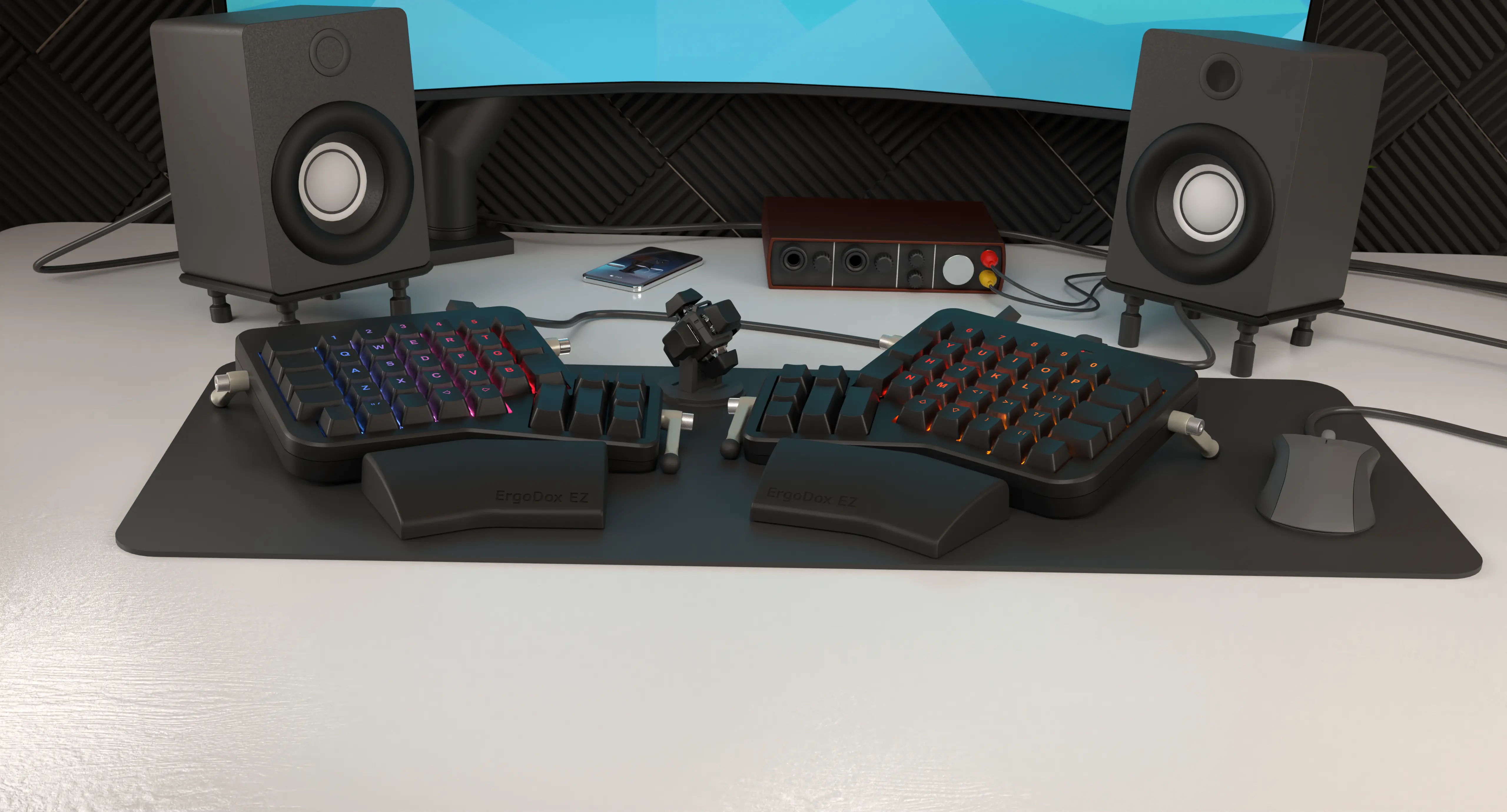
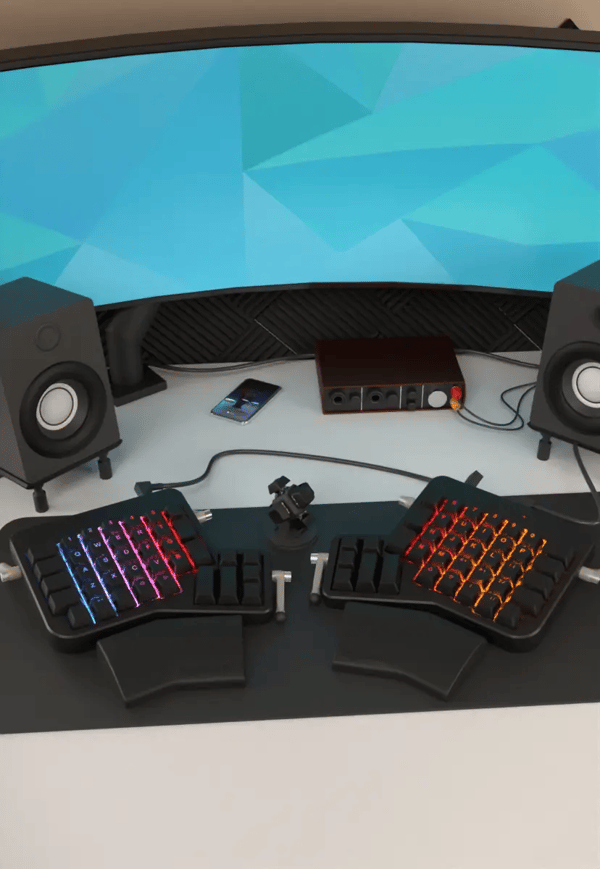
Every unit made to order. Create a keyboard that's perfect for you.
Mechanical
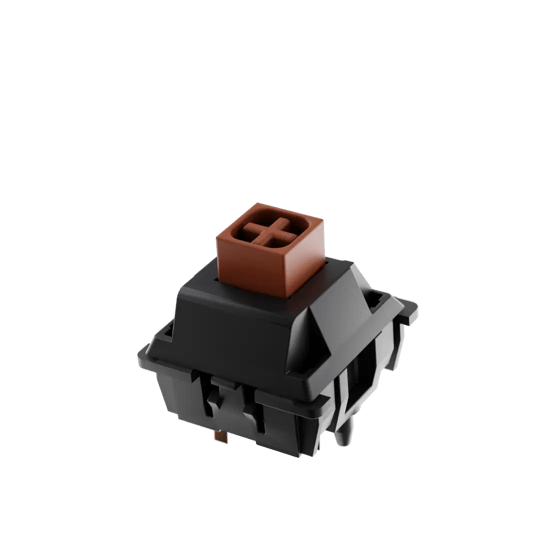
No more squishy keys: With a mechanical keyboard, each keypress is distinct and tactile. The ErgoDox EZ is available with many switch types, from soft and quiet to firm and clicky.

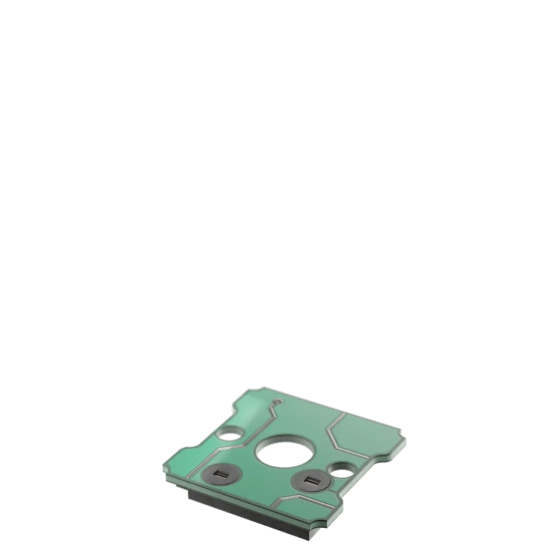
Change your own keyswitches
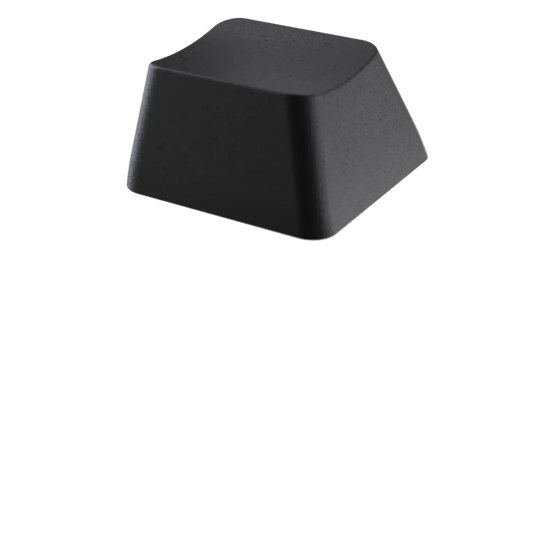
Gain ultimate control over your hardware: Change any keyswitch on your ErgoDox EZ, at any time, without soldering and without voiding the warranty. Your keyboard, your switches, your way.
Tilt/Tent Kit
The third dimension: Thanks to our custom tilt/tent kit, you can control the angle of the keyboard in relation to your desk. Angle both halves to create a “pyramid”, create a negative incline, or any other angle that works for you.
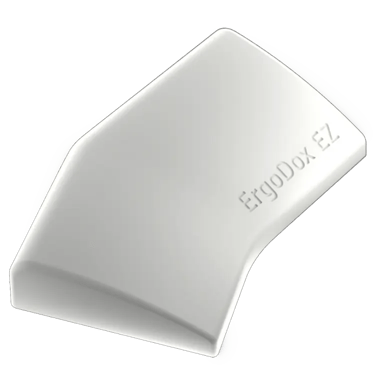
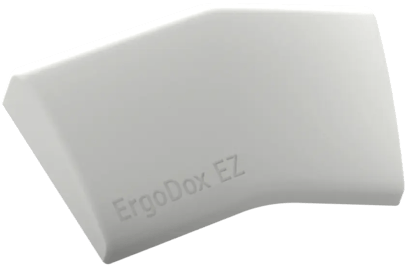
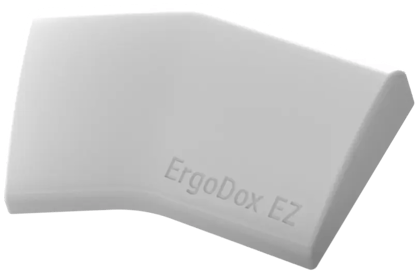
Wing Wrist Rest
Our heavy, custom-molded Wing wrist rest was designed to complement the contour of the ErgoDox EZ. We made it separate from the keyboard to allow you to control the distance between the wrist rest and the keyboard.
Being a separate part, the Wing is fully washable and is easy to clean.
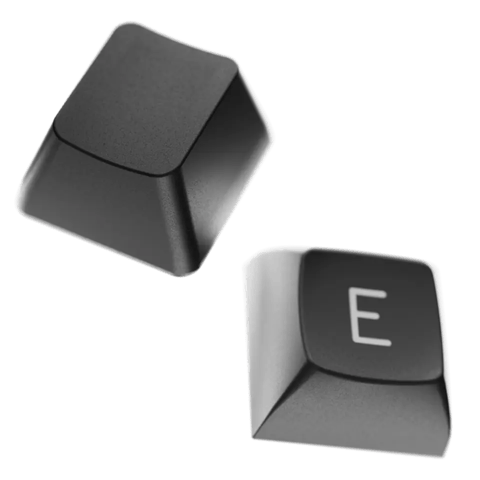
Printed or Blank
Our printed keycaps cover the alphanumeric characters of the keyboard, leaving the edges completely open to remapping. They are all the same profile so you can easily move them around for Colemak, Norman, or any other layout. Our blank keycaps are sculpted, DCS profiles.

Oryx
It’s your keyboard: Set it up just the way you want it. You can play with the full version of Oryx right now, even before buying a ZSA keyboard.

Keymapp
See your layout update on your screen as you type. Remember where your keys are without straining your neck. Entirely optional; your layout is always saved to the keyboard itself.

Live Training
Practice your custom layout until it becomes second nature. Includes modes to focus on standard text, numbers and symbols, programming syntax, and unlabeled keys within layers.
See your layout in real time
Our native app, Keymapp, displays your entire layout right in front of you. It updates as you use your board, so you'll never get lost while navigating layers. Pin Keymapp to the corner of your screen and you'll always know what each key does at a glance, even while working in other windows.
Keymapp's “heatmap” feature gives you personalized, always-local data about which keys you use most to help optimize your layout for your own particular workload.
Most important, Keymapp is entirely optional. Take your keyboard from one computer to another and all your customizations come with you — not locked in an app sitting in your system tray.
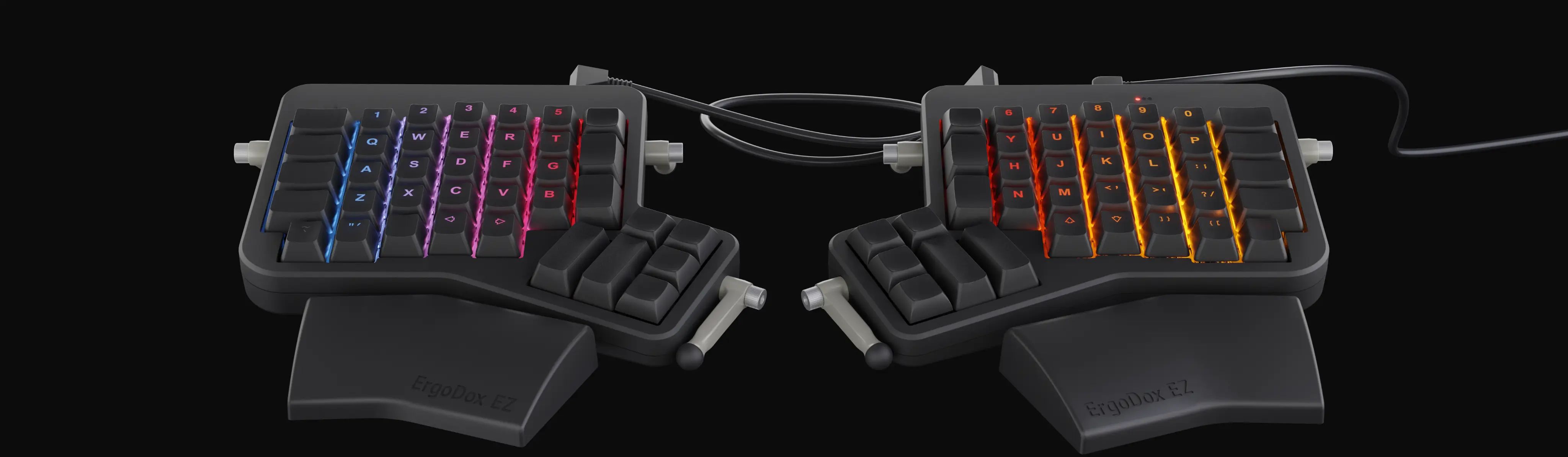
Three Lighting Options
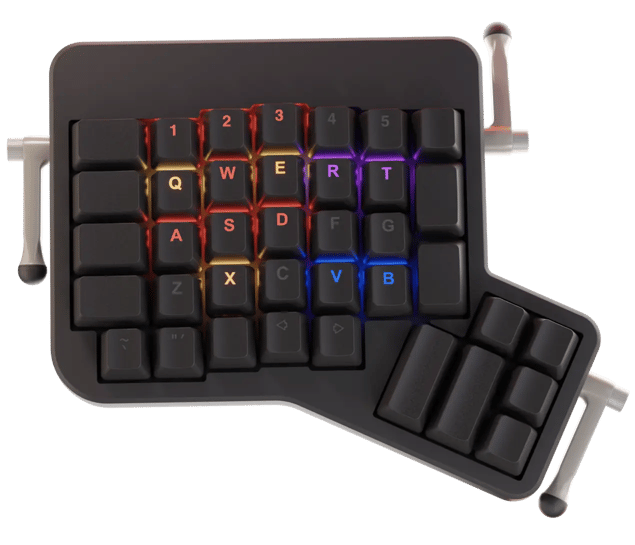
Want backlit keys? We've got them. The ErgoDox EZ Glow comes with powerful, fully-programmable RGB LEDs under the letter clusters. It ships with custom doubleshot keycaps, and supports fun animations, too.
EZ Glow
With the ErgoDox EZ Glow, you can highlight just the keys that are active in the current layer — or the whole layer, in any color you choose.
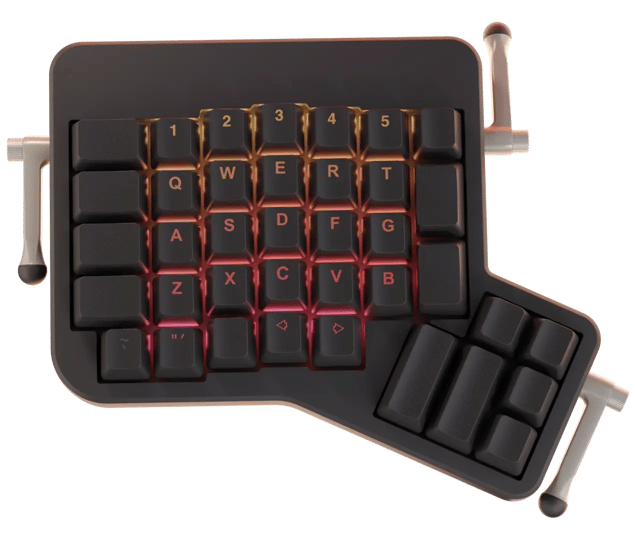
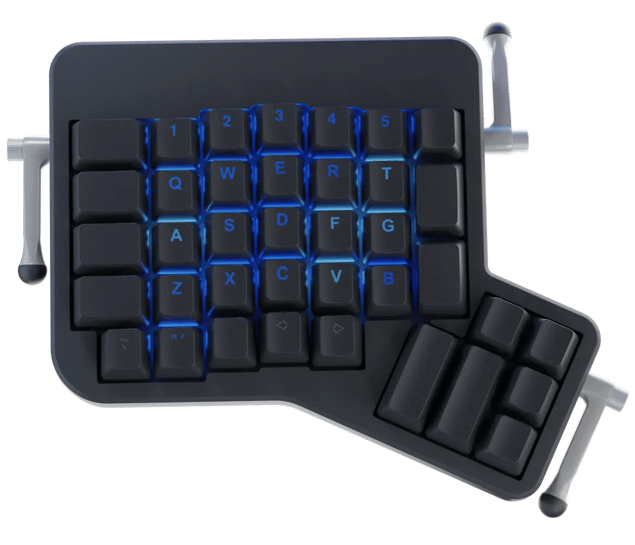
EZ Shine
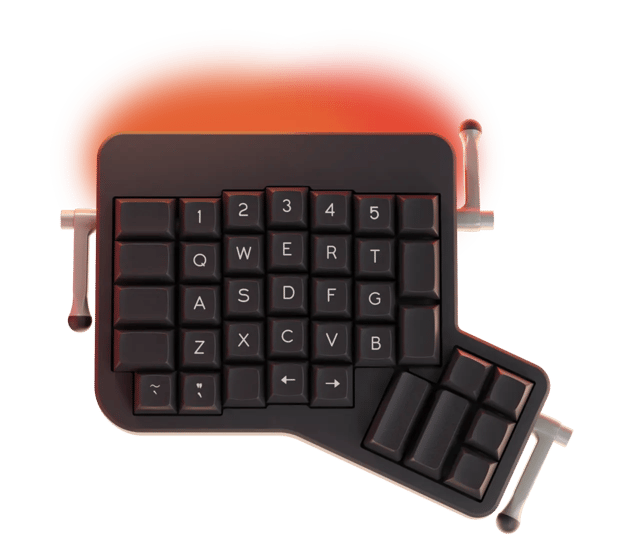
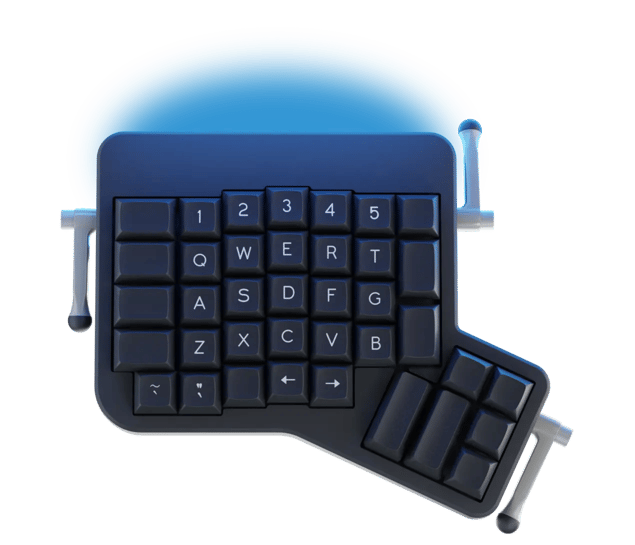
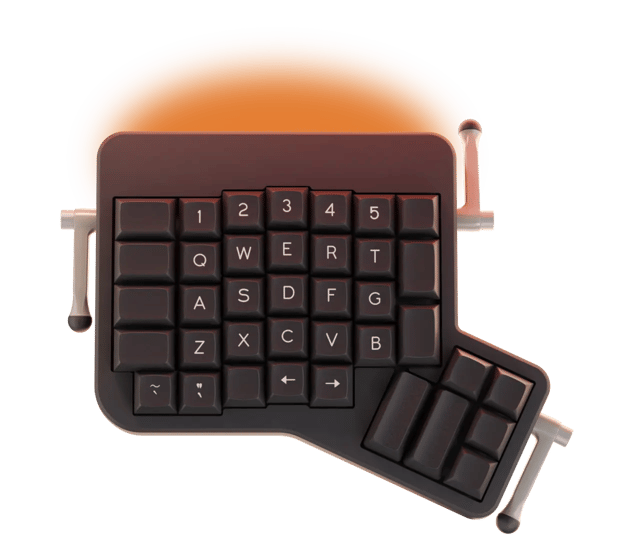
For the ErgoDox EZ Shine, set a distinct hue for every layer and make it easy to tell at a glance which layer is active.
After a thousand hours of typing on ErgoDoxEZ (4+ hours every day for 8 months) I can say it is the best keyboard I have ever typed on.
Roman Zolotarev, Software Engineer
A sustainable keyboard
Too many devices are built to break or become obsolete in a year or two. That's bad for your pocket, and for the planet. We made sure our keyboards stay useful for many years to come.

Ergodox EZ, or Moonlander Mark 1?
We don’t like to compare the Ergodox EZ and the Moonlander, simply because they are just different boards, not necessarily better or worse than the other. But, if you’re deciding between the two, here are some stats that may help you decide which will suit you better.
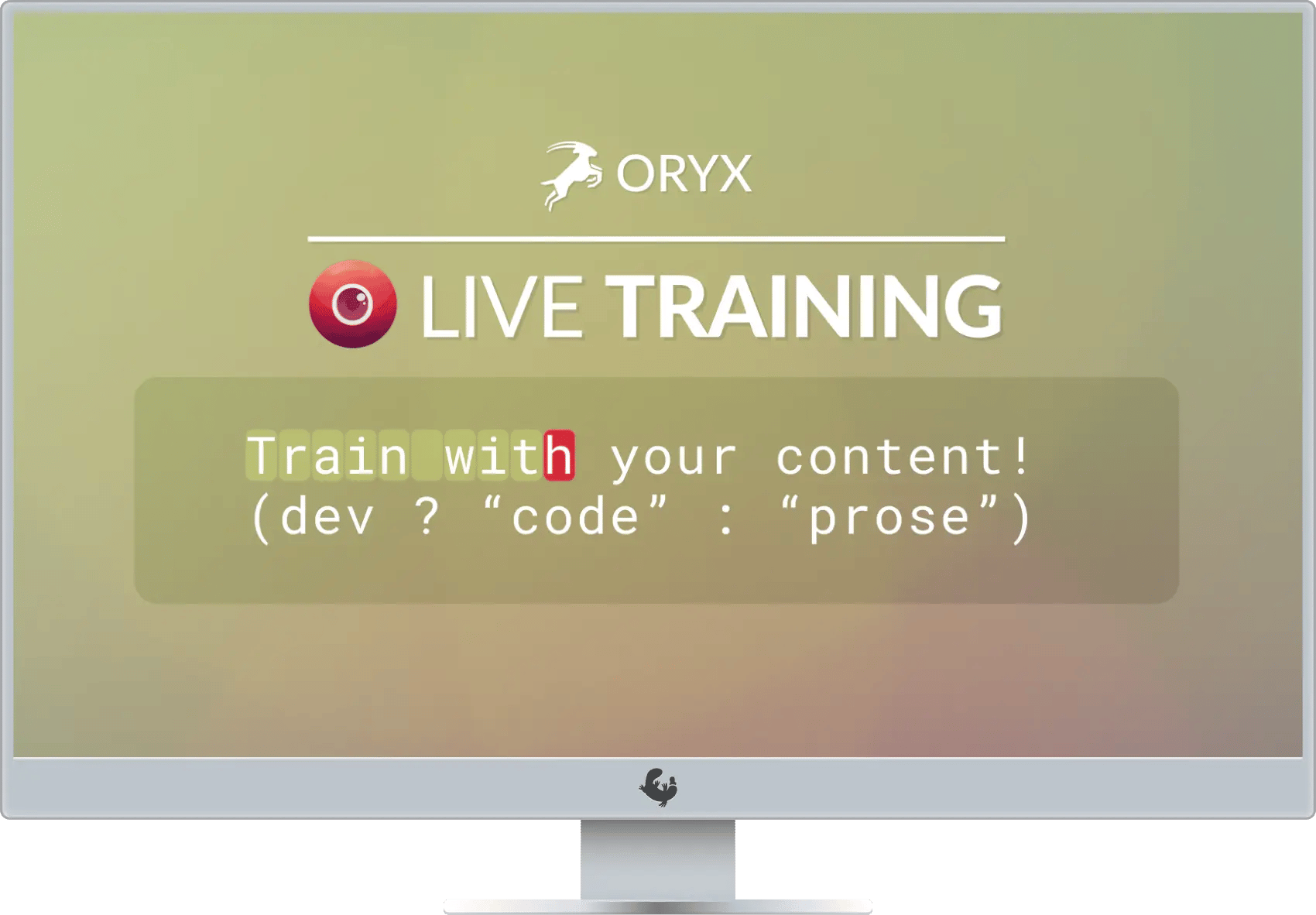
Learn by doing
It's deliberate practice, for typing. Our Live Training tool includes everything you need to master your new keyboard layout and level up over time, for your own comfort and productivity nirvana.
And you can make it your own.
Open-Source
The powerful firmware that runs on your ErgoDox EZ is called QMK and it's open-source, available on GitHub. While you can use the configurator to quickly put together a layout, having complete access to the firmware source code means you can dig as deep as you'd like.
Graphical Configurator
A big part of what makes a keyboard ergonomic is making it work for you. Our powerful configurator allows you to change virtually anything about the keyboard, save your layouts, and iterate on them to create your very own perfect keyboard.
Multiple layers
Need easy access to your F-keys? Want a mechanical numpad? Need programmer-friendly symbols right on your home row? With multiple layers, all of this becomes trivial. It's like a Shift key on steroids.
Dedicated Hyper and Meh keys
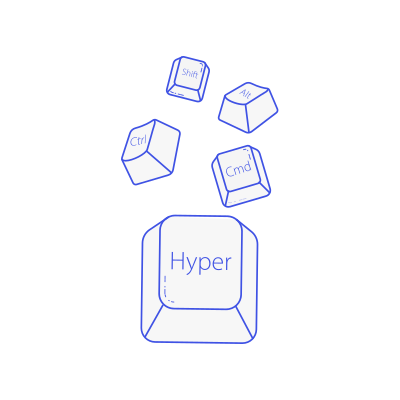
Unlock the power of system-wide shortcuts. Hyper is Ctrl+Shift+Alt+Cmd, while Meh is Ctrl+Shift+Alt. No sane application on your machine uses these, which means you get free system-wide shortcuts.
Mouse Control
Never take your hands off the keyboard. The ErgoDox EZ can emulate a mouse, allowing you to control your cursor, scrollwheel and mouse buttons quickly and effectively.
Dual-function Keys
Tap your Z key, and it sends the letter Z as expected. Press and hold it down... and it becomes Alt. That is the power of dual-function keys: When tapped, they send a character. When held, they act as a modifier. Alt, Ctrl and friends have never been easier to reach.


