Pay the
Google way
-
autofill
AUTOFILL
Save your payment details once and they’ll appear at checkout on Android and Chrome, every time.
-
Tap to pay
BUY WITH GOOGLE
Check out with a click everywhere you see the Buy with Google Pay button.
Seconds to set up — easy checkout every time
Seamless payments across all of your devices begin with a few quick steps. Add your card details to your Google Account, and they will be stored safely for a smoother checkout experience.
For online payments big and small
This helpful button lets you enjoy a simplified checkout experience and added security using your saved details.
Life in the fast (checkout) lane
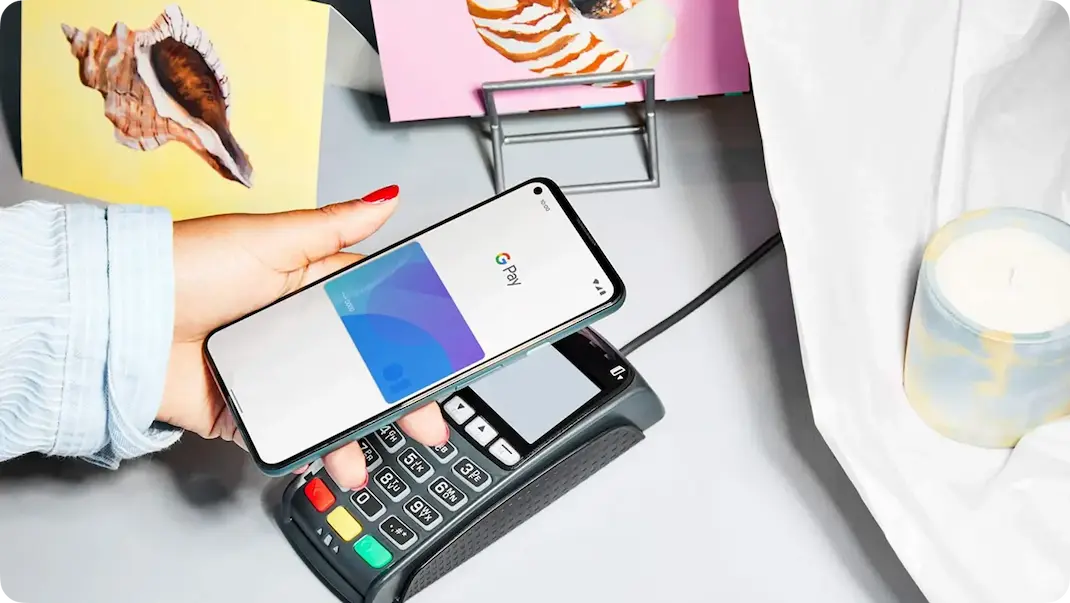
Add cards to Google Wallet and tap to pay with them at the world’s leading retailers. Put your old wallet away; your phone’s got this.
Don’t sweat the digits
Save and secure your payment details just once. Google will encrypt them and have them ready for use at checkout on Chrome and on Android devices.
Play auto carousel Pause auto carousel
Safe, secure transactions
With built-in authentication, transaction encryption, and fraud protection, Google Pay helps keep your money and personal information safe. Plus, the control is in your hands.