Never boring
Make your events less “blah” with custom branding, chat, polls, and Q&A.
Less tech stress
Simple UI and pro-level performance keep things velvety smooth.
Zero wasted content
AI editing tools turn your webinars into clips, reels, and way more.
No vanity metrics
See what’s working and who’s interested so you can double down.
Not your average webinars
Wistia makes your events easier to run, simpler to measure, and ready to repurpose.
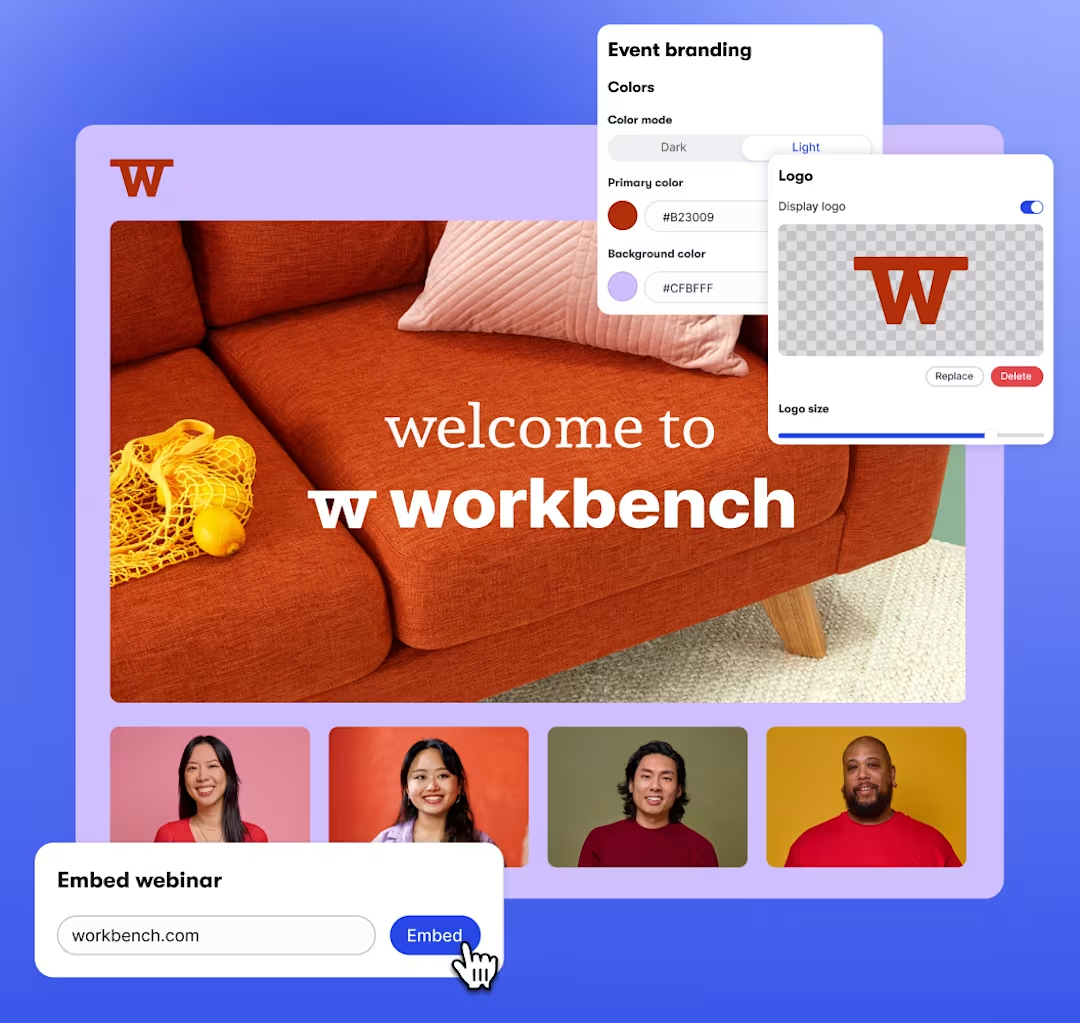
Your webinar, your way
Spin up a polished, on-brand event in just a few clicks. You can even pre-record, schedule, and embed the entire experience on your site, from registration to replay.
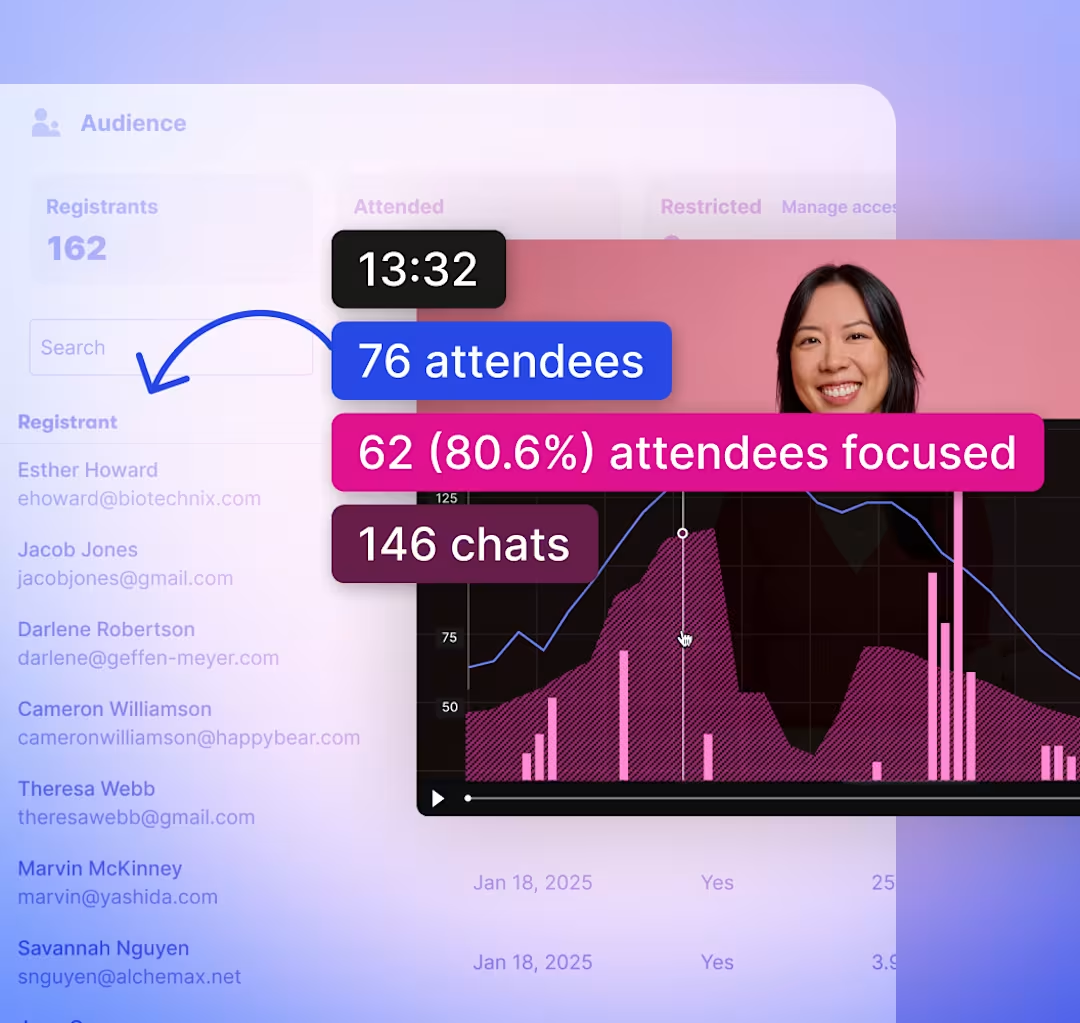
Data that drives pipeline
Go beyond attendance. See exactly who engaged, where attention dropped, and how viewers interacted so you can quickly identify high-intent leads and prioritize follow-up.
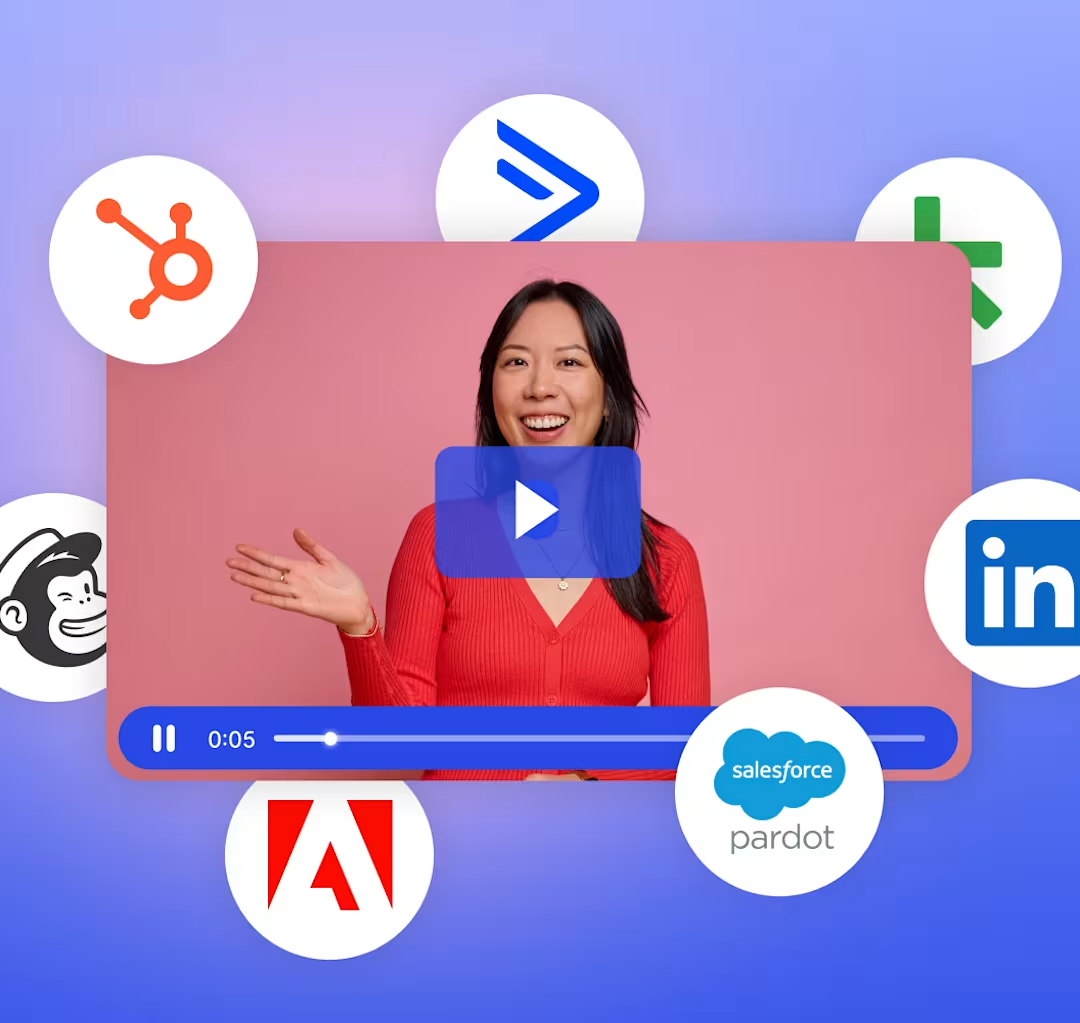
Integrations for reach & retention
Wistia syncs seamlessly with your marketing tools. Enroll attendees in HubSpot nurture campaigns based on their engagement. Add registrants to email lists in Mailchimp. Simulcast to LinkedIn. The list goes on.
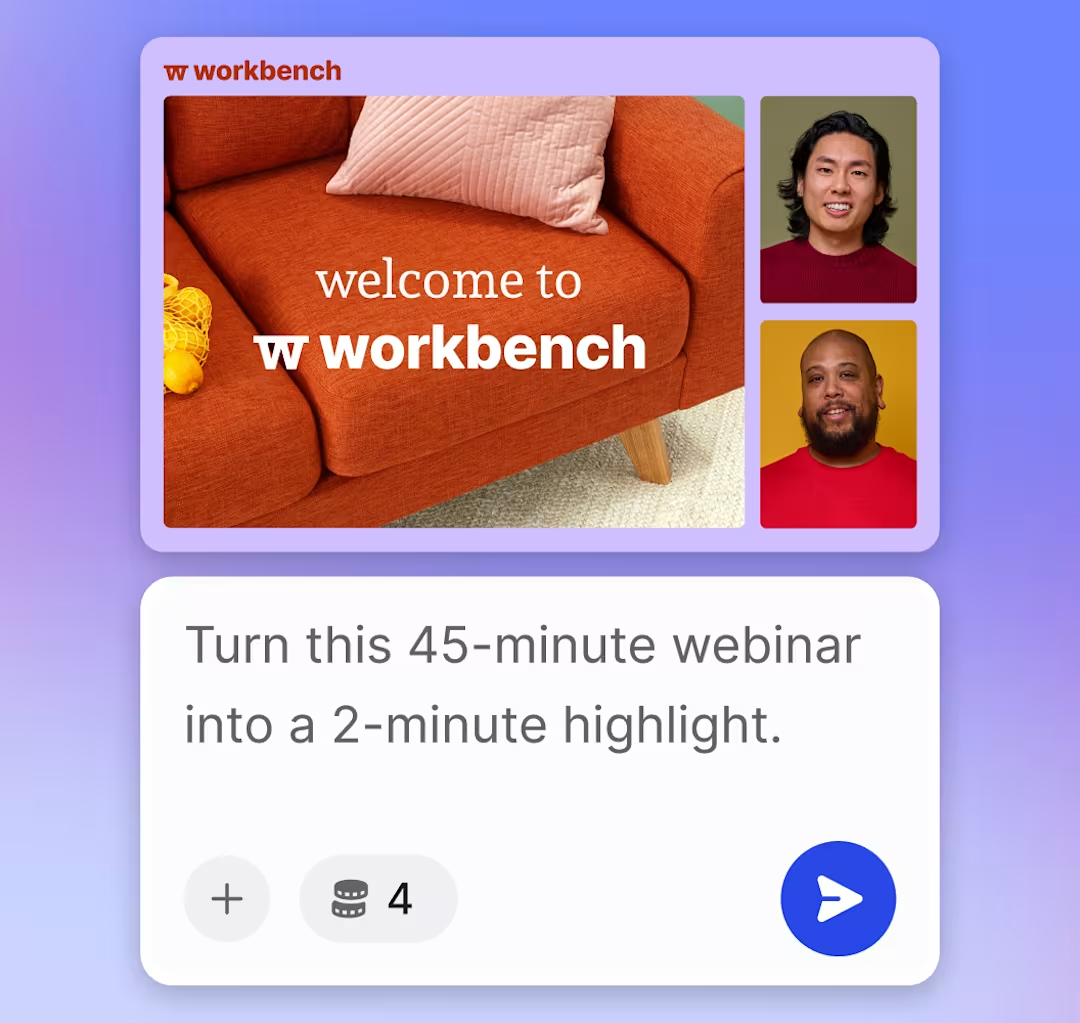
AI-powered repurposing
Create reels and trailers with a prompt. Generate social clips with stylized, burnt-in captions. Go global with dubbing and translations in 50+ languages. With Wistia, you can turn your webinar into months of content.
Host webinars where you host videos
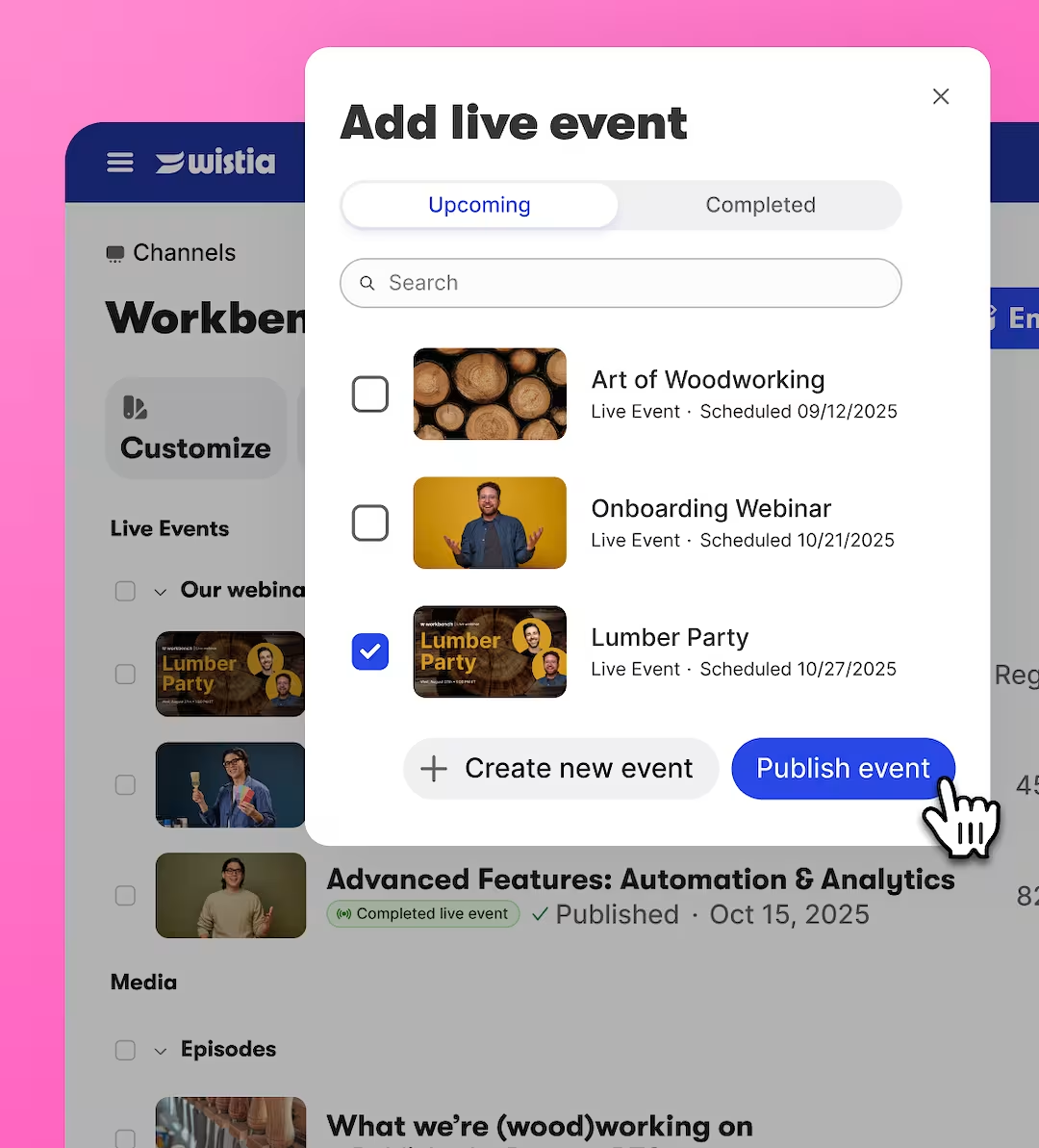
One-stop management for your team
With all your workflows in one spot, your team can spend less time downloading and reuploading files and more time getting stuff done.
One-stop viewing for your audience
Now your webinars can live alongside your videos on a easy-to-customize Wistia Channel. That means less URL hopping for your viewers and more views for you.
“Wistia has saved us hours in post-event work. Our attendees find it very easy to sign up and participate. It’s much easier to now have one platform for all of our video needs!”

NEW!
2026 State of Video Report
Load up on insights that’ll turn your webinars into conversion-driving events.
Get your free copy
See how Wistia stacks up
Take a look at how the Wistia platform compares to other webinar tools.
“Each day we had ten or more sessions. Wistia really helped speed up creation of highlight and social clips. We were able to share the same day while our attendees were more likely to share those clips since it was so timely.”
Daniel Hawkins Video & Marketing Design Manager at Litmus


ON-DEMAND DEMO
How to host a webinar with Wistia
We’ll walk you through setup, going live, analytics, repurposing content, and more.
What are some use cases for webinars?
Some great use cases for webinars include recurring sales demos, educational and onboarding presentations, training—the list goes on!
Are webinars hosted in Wistia supported on all browsers?
Hosts and panelists can use Wistia's webinar software on all Chromium-based browsers such as Google Chrome, Brave, and Microsoft Edge. Your audience, however, will be able to watch your event from any browser or mobile device.
Do webinars hosted in Wistia work on mobile?
Your audience can watch your webinar from any mobile device. However, hosts and panelists cannot use mobile devices to host or participate in webinars with Wistia. For the best results, use your desktop or laptop computer with any Chromium-based browser, along with a strong internet connection.
Can I record my webinars?
Yes! Wistia automatically records all of your webinars and immediately organizes them to make your post-webinar workflow as smooth as possible. All you have to do is go live. After your event is over, your recording becomes available in your Wistia account, where you can edit and share it for on-demand viewing.
Is there a limit to how many webinars I can host?
There’s no limit to the number of webinars you can create and host. After the event ends, your webinar recording will count toward your media limit.
How many co-presenters can I have in my webinar?
You can invite as many panelists as you need, with up to nine people on stage at a time. Hosts control who’s on stage, manage screen sharing and content, and coordinate everything behind the scenes in a private backstage area so webinars run smoothly without the usual live-event stress.
What does a free trial include?
Your 14-day free trial of Wistia Webinars includes Wistia’s Business Plan trial with full access to the entire platform—everything you see on this page and more. That means all webinar features, plus video hosting, editing, marketing, and analytics tools. No credit card required until the trial ends. Learn more about all of Wistia’s plans here.
How much does Wistia’s webinar platform cost?
Webinar hosting is available as an add-on with Wistia’s Business Plan or Enterprise Plan. The Webinar plan comes with fully branded webinar experiences, from registration to on-demand video. Plus, get real-time analytics and core hosting capabilities for sharing events on demand across your site and social channels. Try webinars with a free 14-day trial, no credit card, and no commitment. Check out our pricing page for more details.