Readable & Writable
Typora gives you a seamless experience as both a reader and a writer. It removes the preview window, mode switcher, syntax symbols of markdown source code, and all other unnecessary distractions. Instead, it provides a real live preview feature to help you concentrate on the content itself.
Distractions Free
Seamless Live Preview
What You See Is What You Mean
Simple, yet Powerful
Use your own css code to change font size, alignement, or even make some magics possible, such as Auto Numbering Headers.
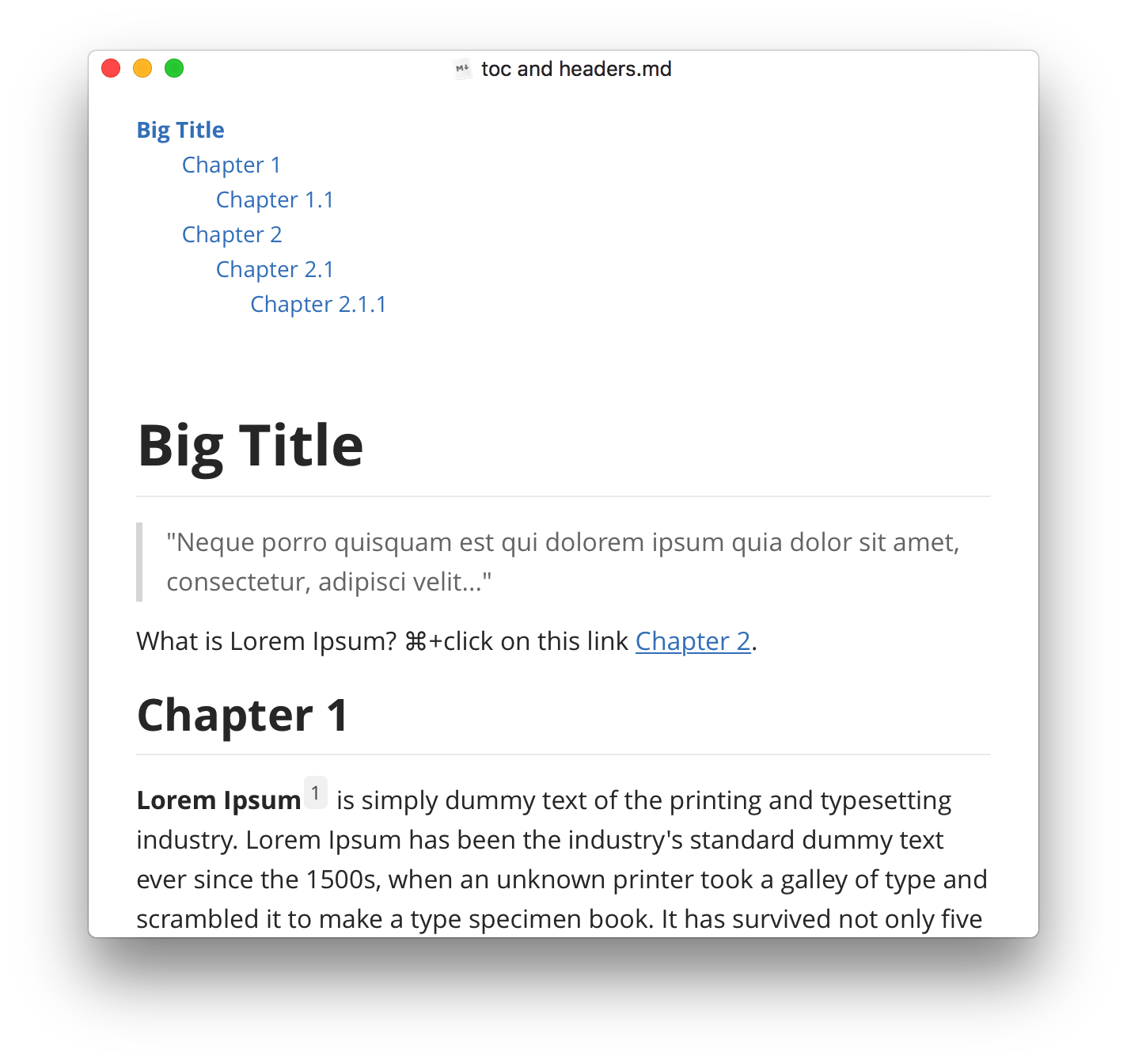
Arrange nested lists like a rich editor, by tab and shift+tab key.
GFM task list supported. Able to manage simple todos in a markdown file.
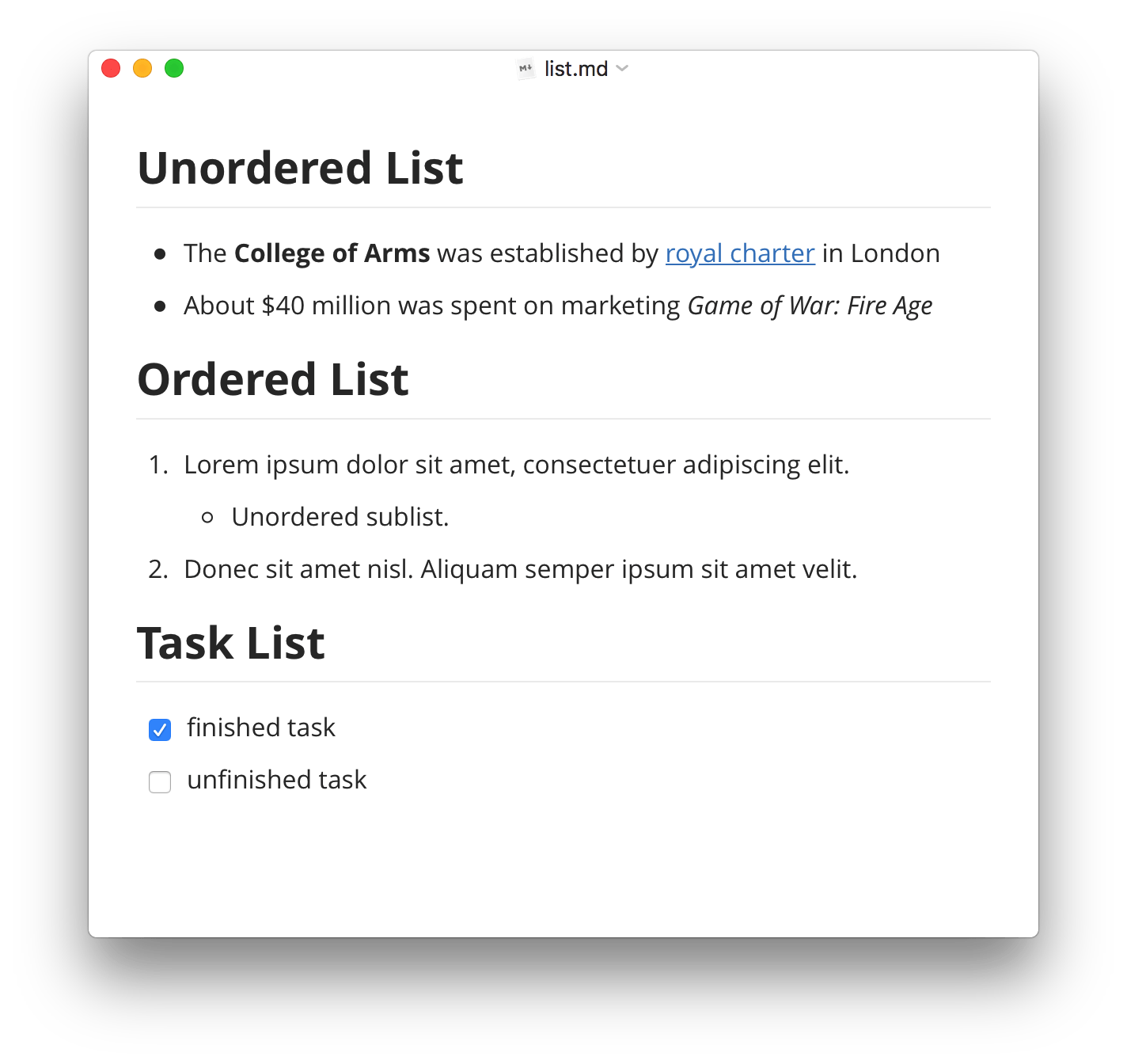
 Use shortcut keys, context menu or touch bar to change list type from one to another.
Quickest steps to resize tables in Markdown file: just mouse dragging.
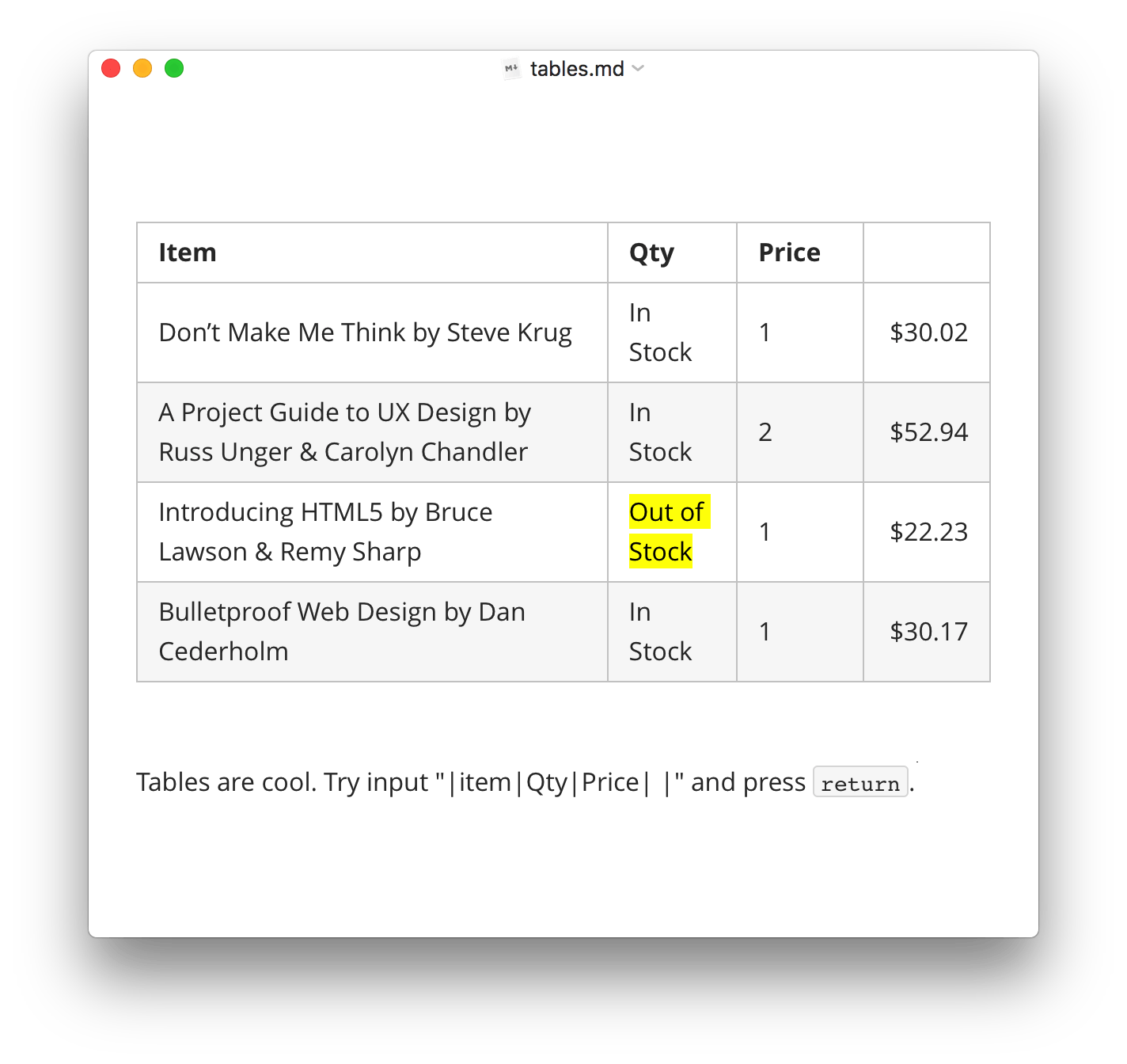
Use shortcut keys to generate tables with given layouts. Type markdown directly is also supported.
Preview while you are typing.
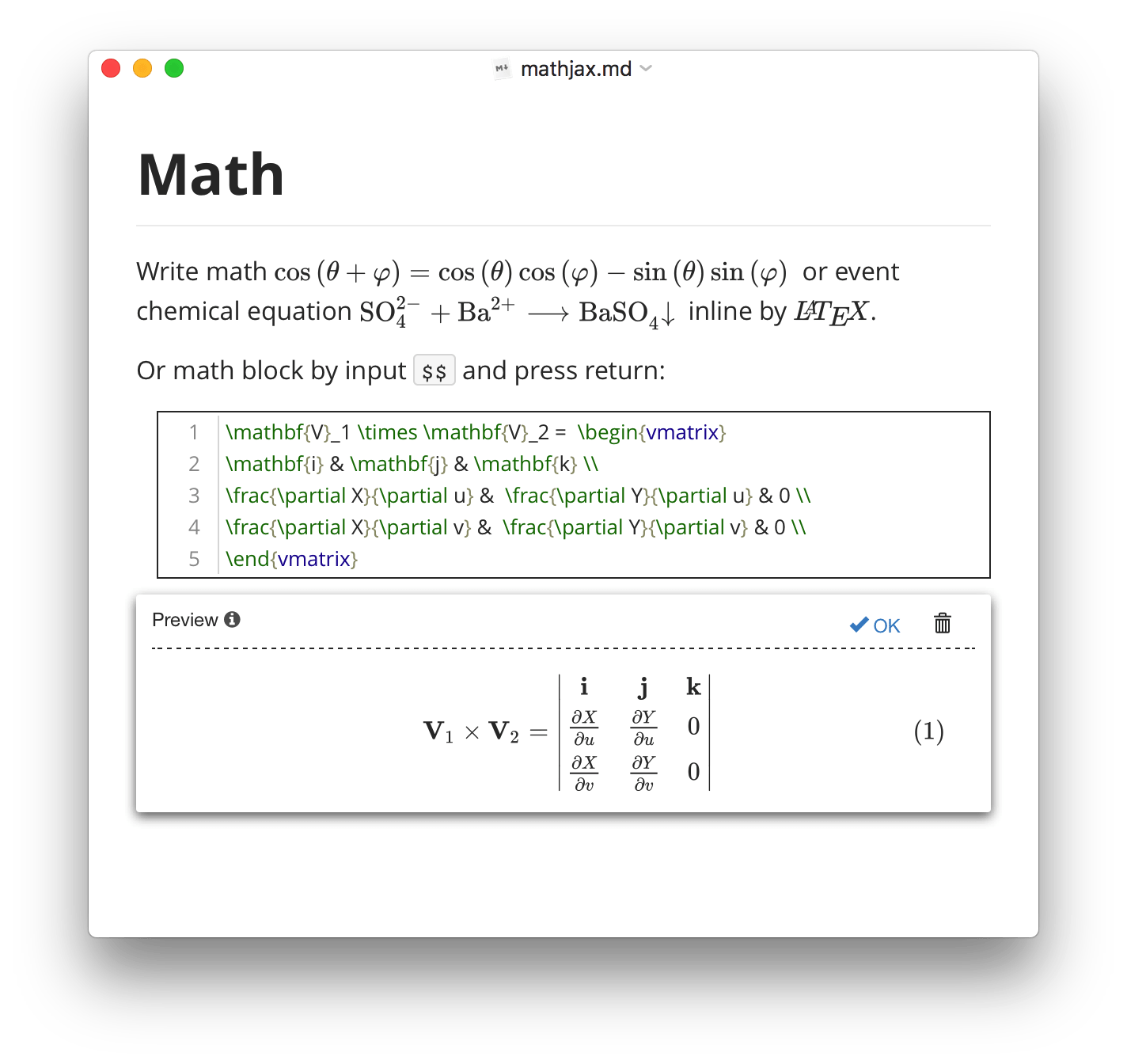
Auto numbering math equations (enable in preference panel).
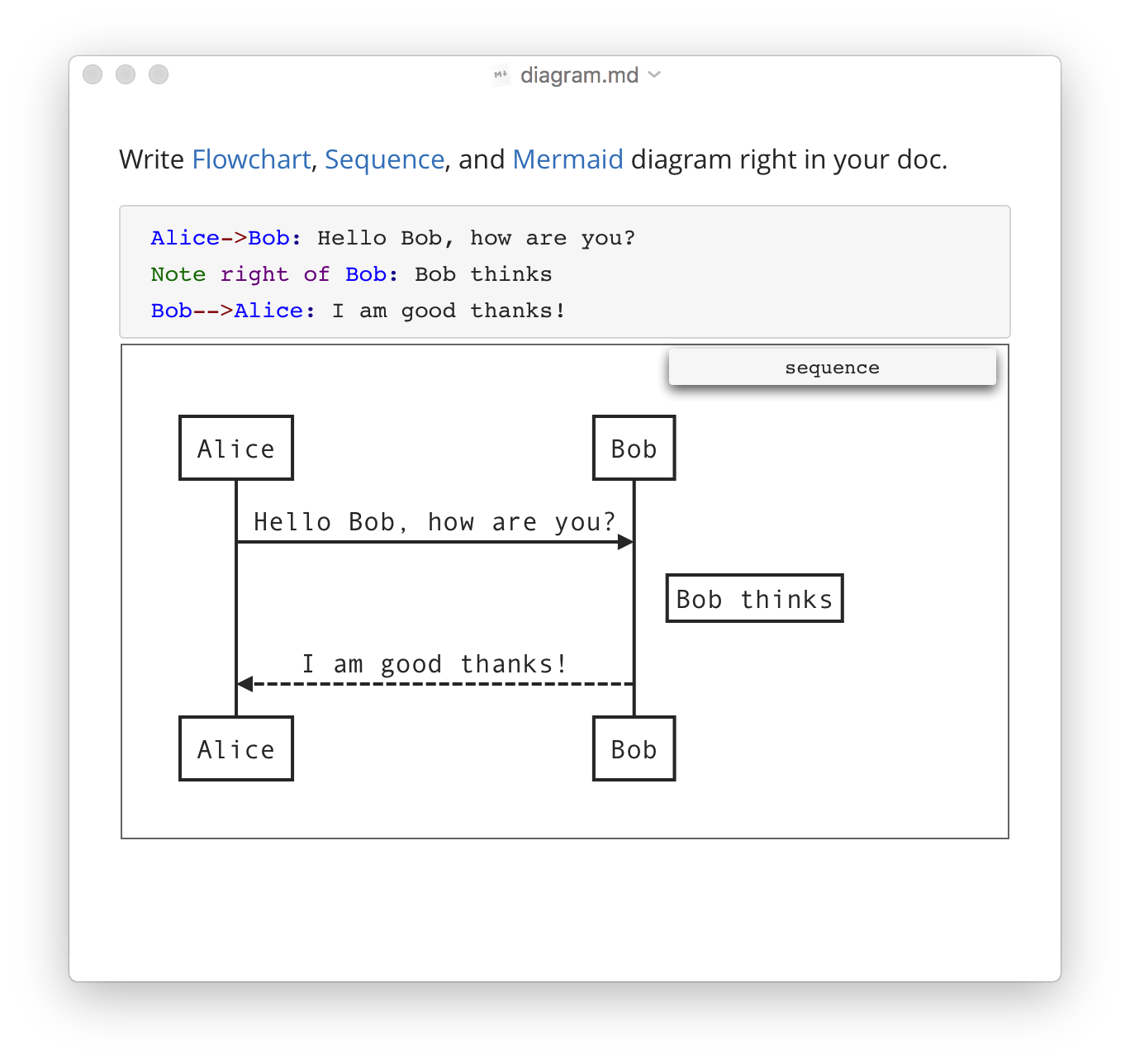
Draws simple SVG flow chart diagrams powered by flowchart.js.
Input the emoji you want via auto-complete.
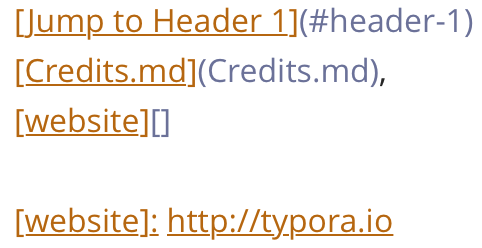 Set your the link targets towards a header, a markdown file, or an URL.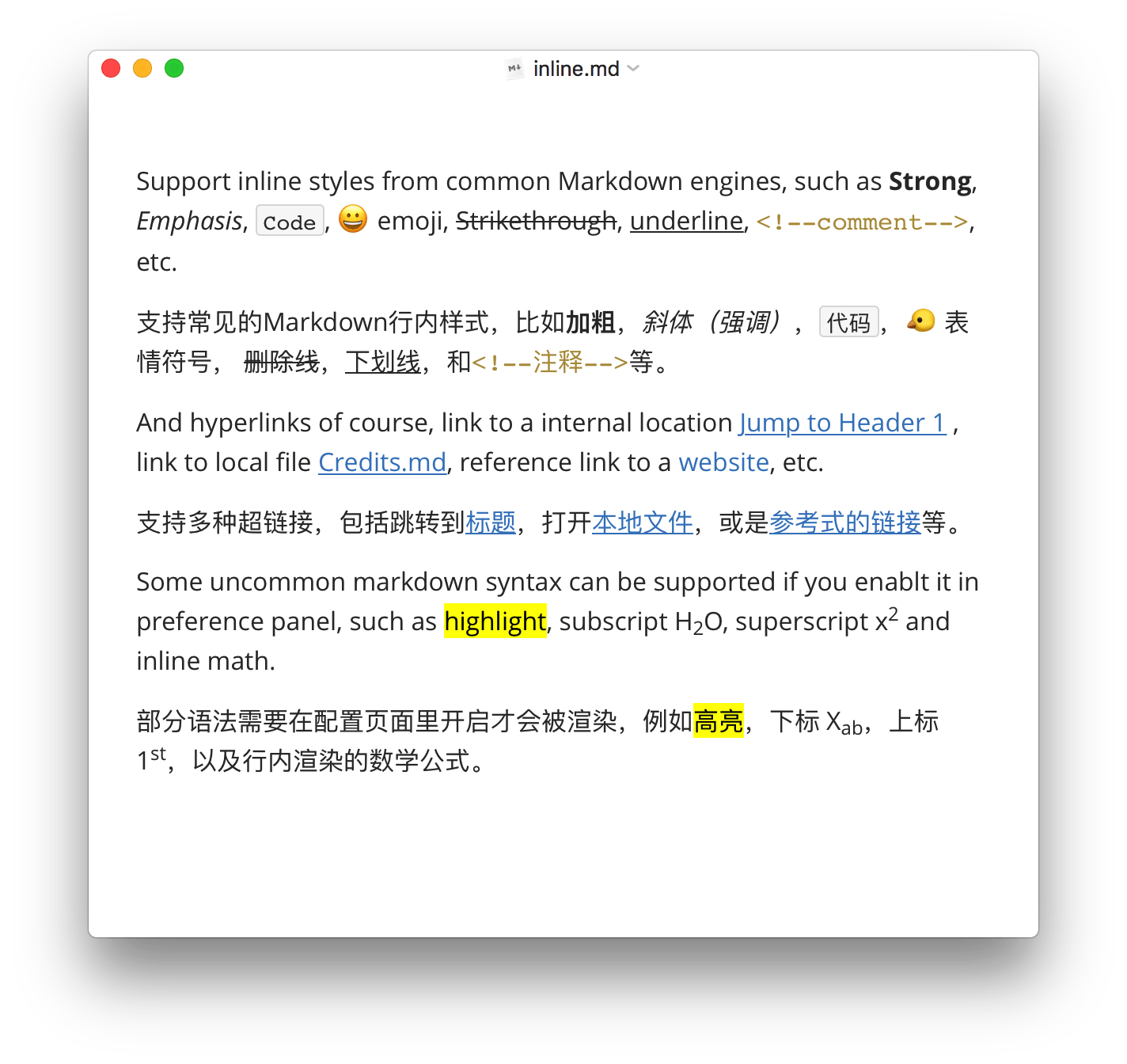
Use shortcut keys one familiar with.
All styles include Strong and emphasis can be correctly rendered in CJK charsets.
Uses email-style > characters for blockquote.
Horizontal lines styled by CSS.
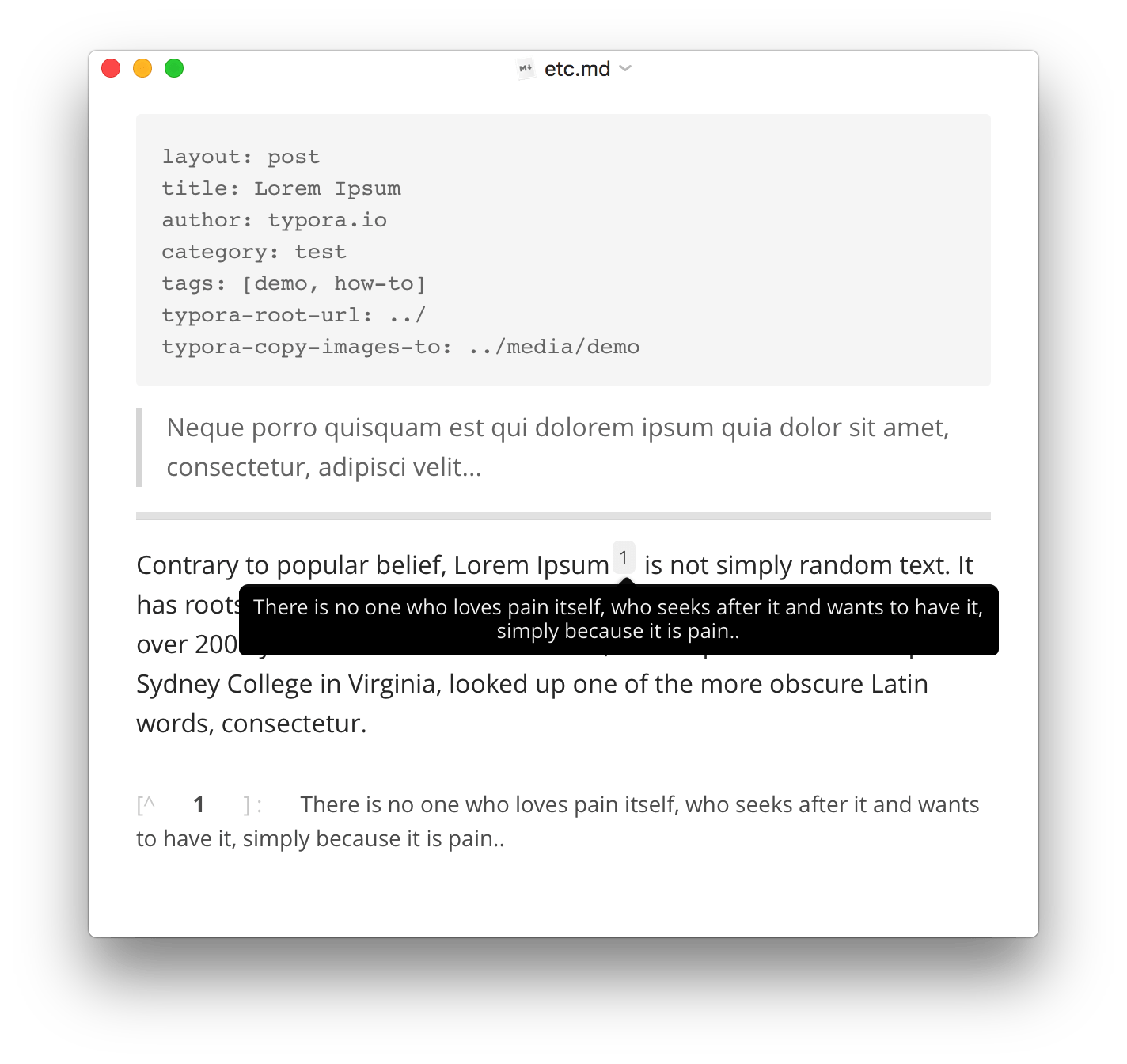
Compatible with files contain YAML Front Matter
Display footnotes you write on hover.
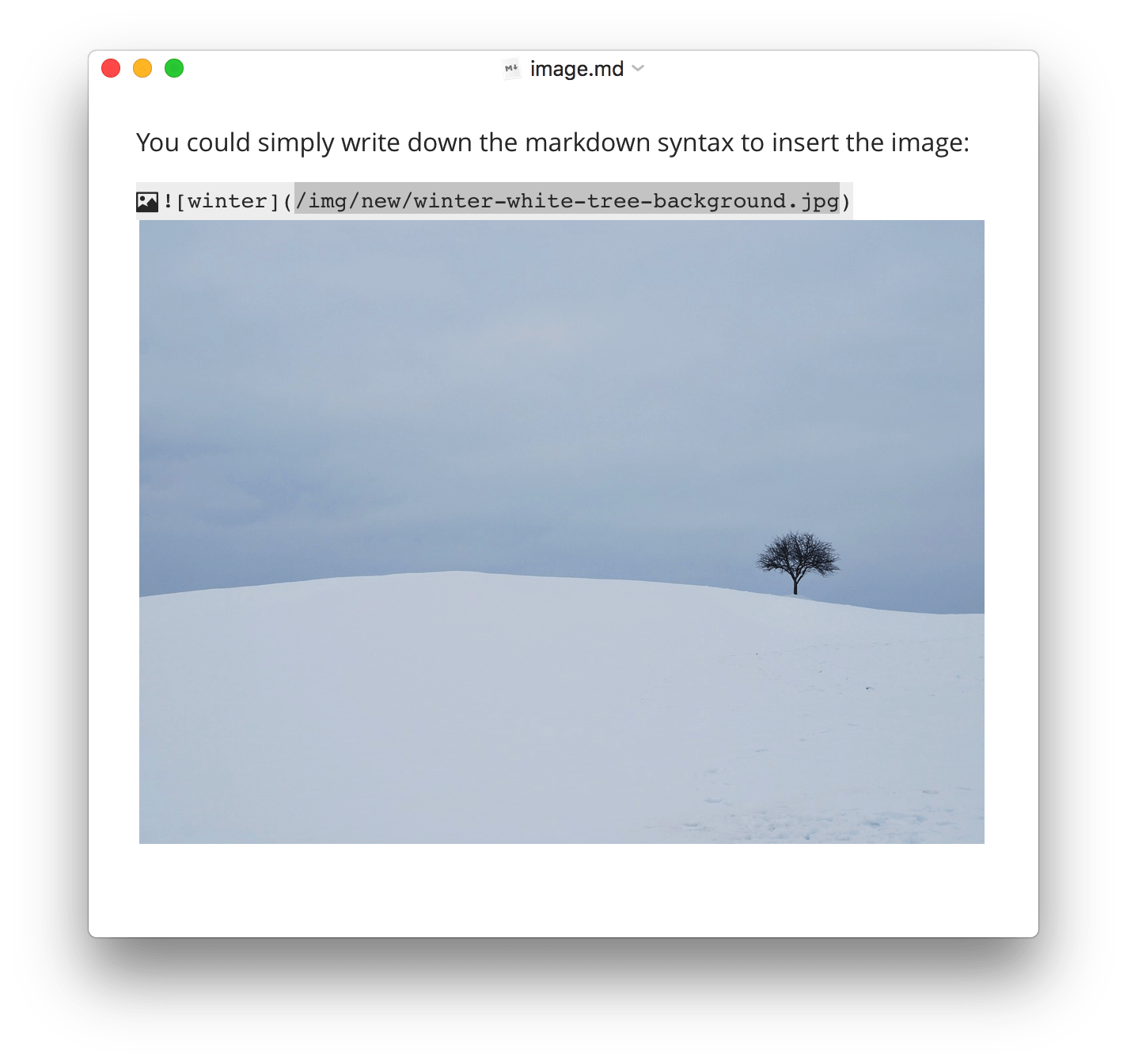
 Set the href to headers, which will create a bookmark that allow you to jump to that section after clicking.
Accessibility
/* You focus on the content, Typora helps with the rest */

Organize Files
Typora allows you to manage your files easily, providing both file tree panel and articles (file list) side panel. Fell free to organize files in your own way, including putting in sync services, like Dropbox or iCloud.
Outline Panel
Automatically see the Outline structure of your documents in outline panel, which allows you to quickly go through the document and jump to any section with one click.

Import & Export
Export to PDF with bookmarks. Go further and export or import. More formats, including docx, OpenOffice, LaTeX, MediaWiki, Epub, etc, can be exported or imported.

Word Count
See how large your document is in words, characters, lines, or reading minutes.

Focus Mode & TypeWriter Mode
Focus mode helps you focus only on the current line, by blurring the others. Typewriter mode always keeps the currently active line in the middle of the window.
Auto Pair
Auto complete pair of brackets and quotes like a code editor. Also, There's also an option to auto pair markdown symbols, like * or _.
Custom Themes
and, loved by our users

Markdown is the official text format for AI, and Typora is the best editor for Markdown.
Charles McGuinness
want Typora ?

15 days free trial / up to 3 devices
A minimal Markdown editor and reader.
$ 14.99 (without tax) x 1 x
Requires Windows 10, 11. Click here for Windows 7 / 8 version.


for Linux
or
sudo mkdir -p /etc/apt/keyrings
curl -fsSL https://downloads.typora.io/typora.gpg | sudo tee /etc/apt/keyrings/typora.gpg > /dev/null
echo "deb [signed-by=/etc/apt/keyrings/typora.gpg] https://downloads.typora.io/linux ./" | sudo tee /etc/apt/sources.list.d/typora.list
sudo apt updatesudo apt install typora
