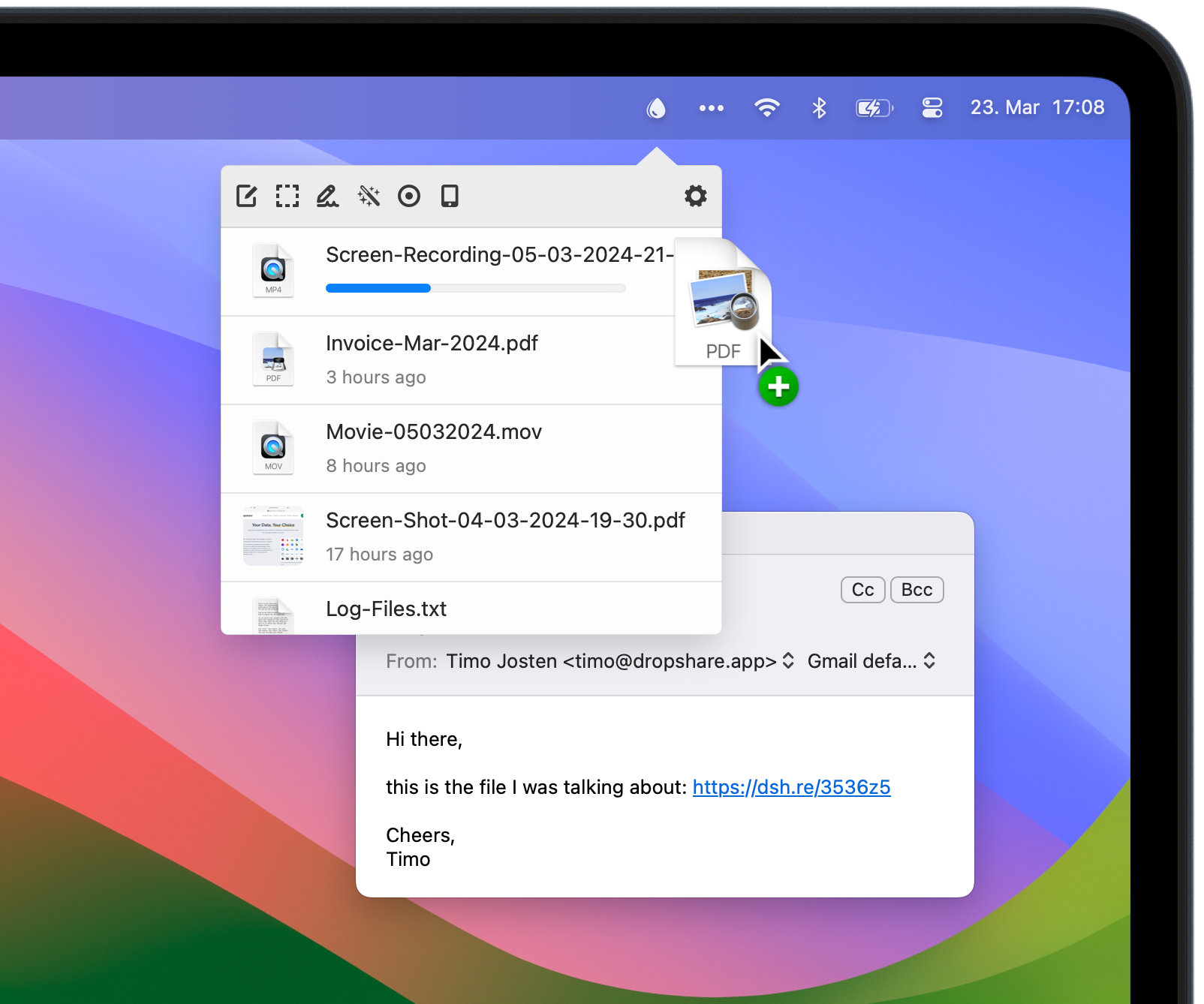
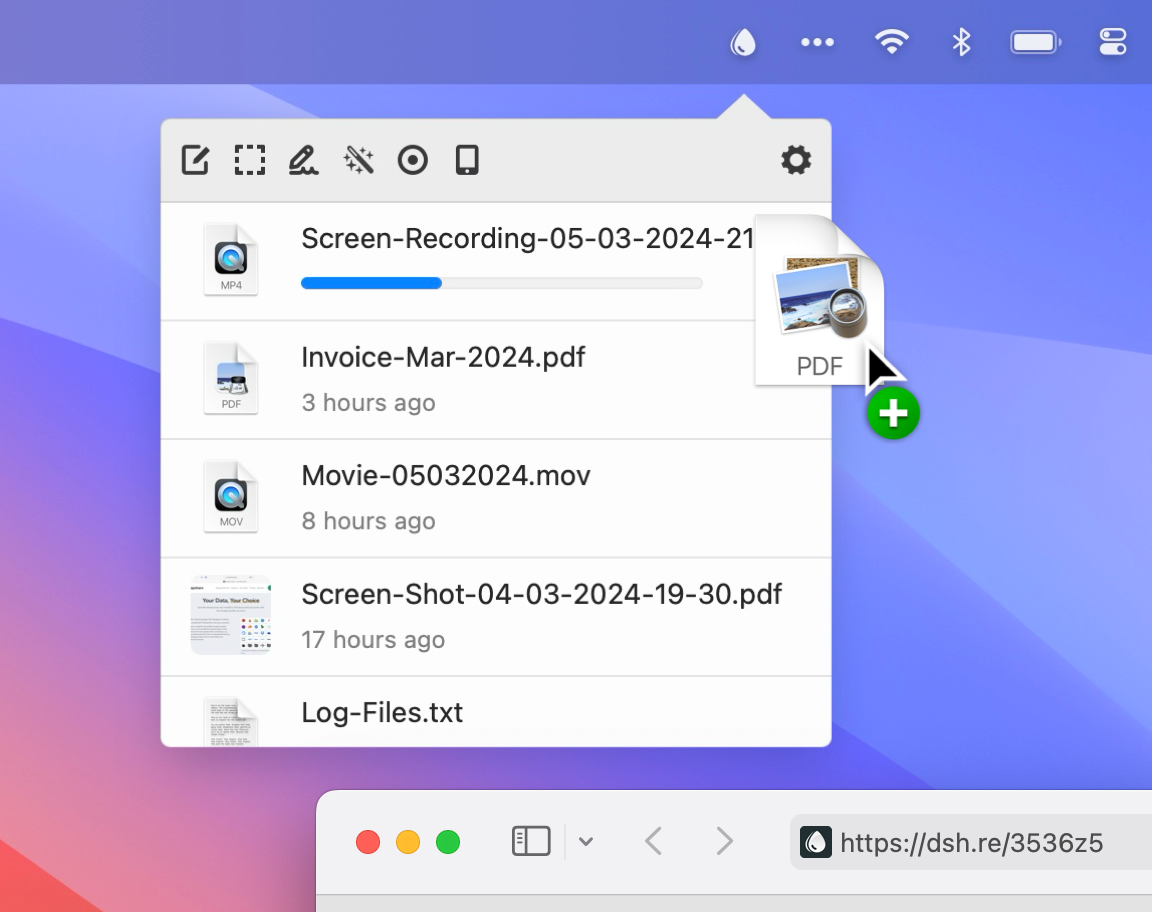
Upload File,
Share Link, Done.
Upload screen shots, screen recordings and any files to your trusted storage provider and share them immediately with just a link.
Upload screen shots, screen recordings and any files to your trusted storage provider and share them immediately with just a link.
Download Now
macOS 12.3+ (Universal)

Dropshare 6 is out now! 🎉 Check if you are eligible for a free upgrade and see what's new.

Always At Your Fingertips
File sharing was never this convenient with Dropshare in your menu bar. Upload via drag&drop, keyboard shortcut, share menu or Shortcuts automation.

Works with any Cloud
For storing your uploads, choose between 36+ well-known industry standard cloud provider integrations, or your own server.

«It's one of those apps that you don't realize you need — until you start using it. And then, suddenly, you can't imagine life without it. » «I can't imagine a better product of this type exists anywhere.»
«It's one of those apps that you don't realize you need — until you start using it. And then, suddenly, you can't imagine life without it. » «I can't imagine a better product of this type exists anywhere.»
Your Data, Your Choice
Easy file sharing from your macOS or iOS device that just works with the storage provider you trust.
Dropshare uploads directly to the accounts and servers you configure - consumer cloud drives, S3-compatible object storage, image hosts, or protocols such as SFTP, FTP, SCP, and WebDAV.
Add several destinations and pick where each upload goes, for example to separate personal and work files. Transfers run straight from your Mac or iPhone to your provider; nothing is stored on our infrastructure in between.
Object Storage
File Storage
Image Storage
Protocol Services
Custom Services
Extensive Functionality
No matter if you just want it to work, or enjoy every single feature of it: Dropshare is the right tool for you.
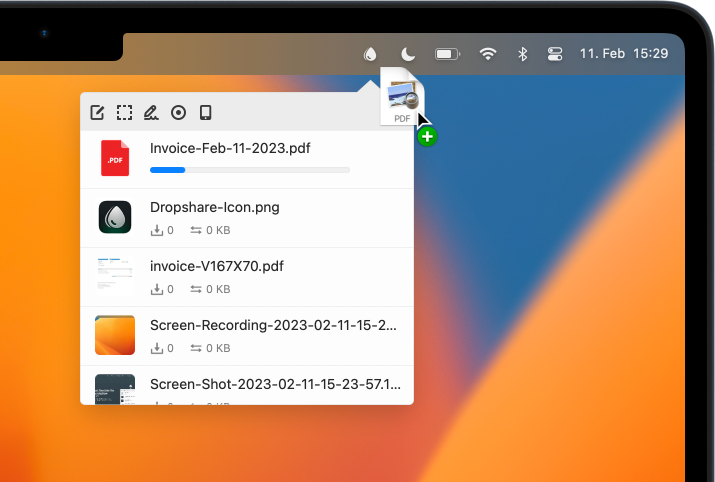
Drag&drop anything from your desktop to your cloud
Literally drag & drop any file or folder on your Mac and Dropshare will upload it. You can use plenty of other ways to upload files, e.g. use the share menu, services or custom keyboard shortcuts. Whatever suits your workflow best.
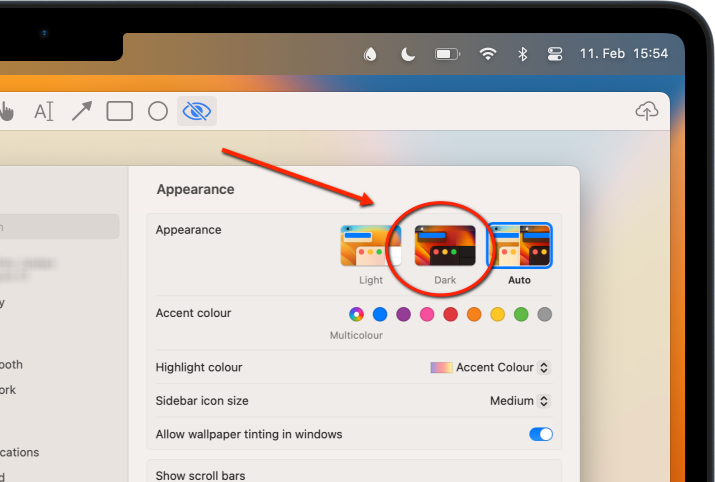
Capture & annotate your screen shots
Capture screen shots and annotate with your favorite Annotation app. Of course, Dropshare offers a built-in annotation tool which allows you to quickly add comments or blur parts of the image.
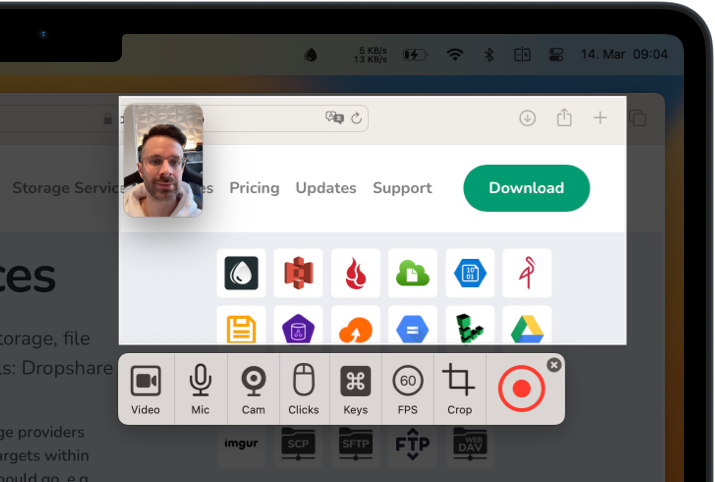
Record your screen as 60 FPS video or GIF
Record your screen - just partial or all of it - and upload it either as 24/60 FPS video or animated GIF. Also add your spoken voice, Mac audio, webcam video and pressed keyboard shortcuts to the screen recording to create great screencasts and such like.
Comes with Artificial Intelligence ✨
Give your screen shots proper filenames - automatically. Dropshare uses OpenAI's GPT-5 nano to analyze your screen shots and suggest a filename based on what's in them.
Limited free usage per day, or use own OpenAI API key.
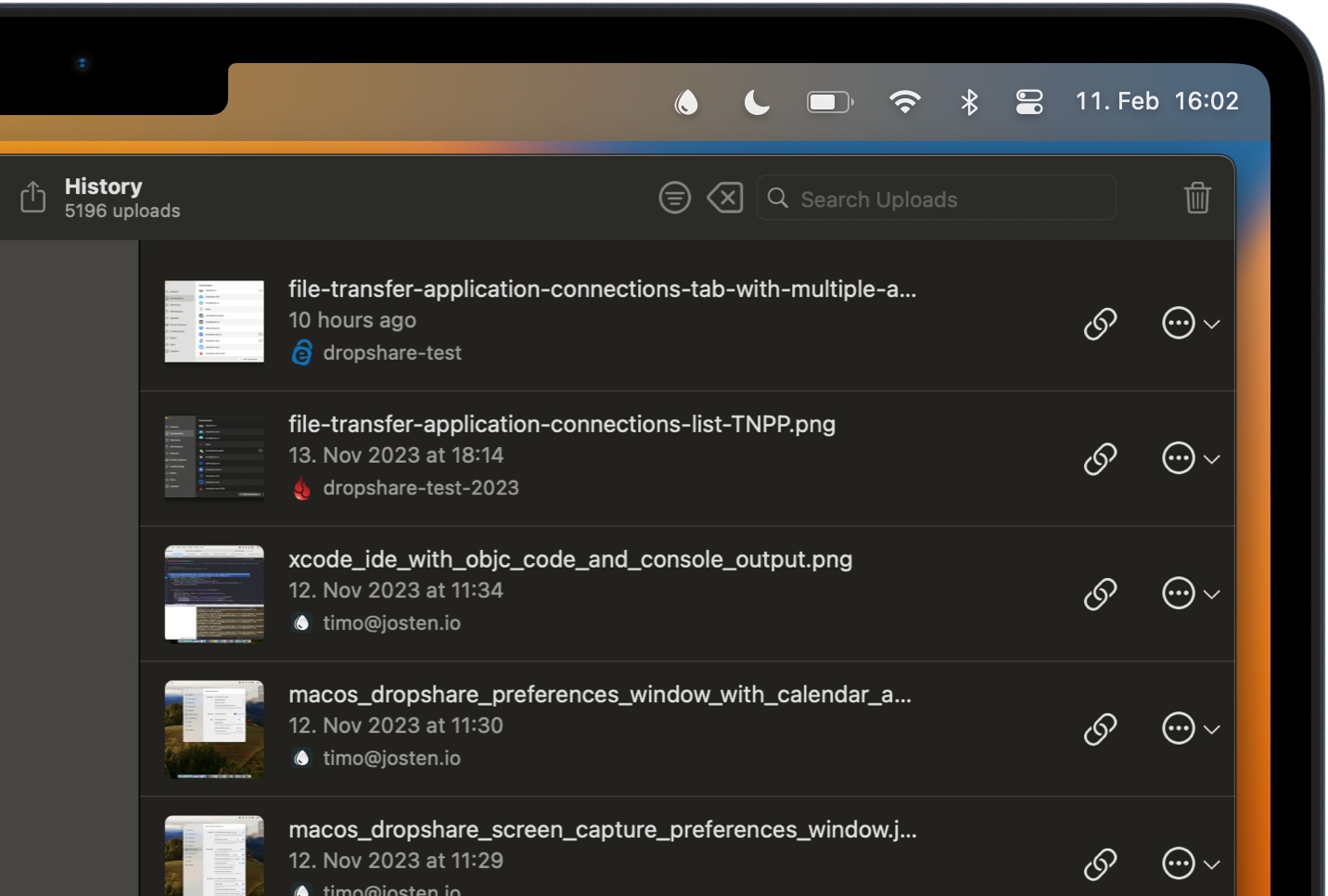
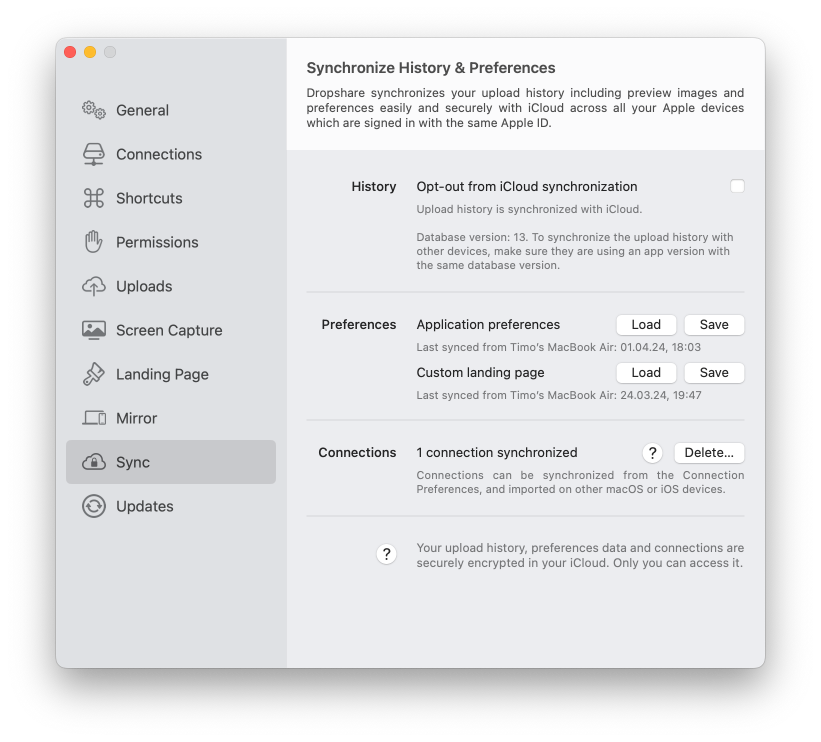
Synchronize across other macOS and iOS devices
Have your upload history at hand on all your devices. Synchronize preferences, landing page and even connections to other devices to get started uploading right away. Works with iCloud.
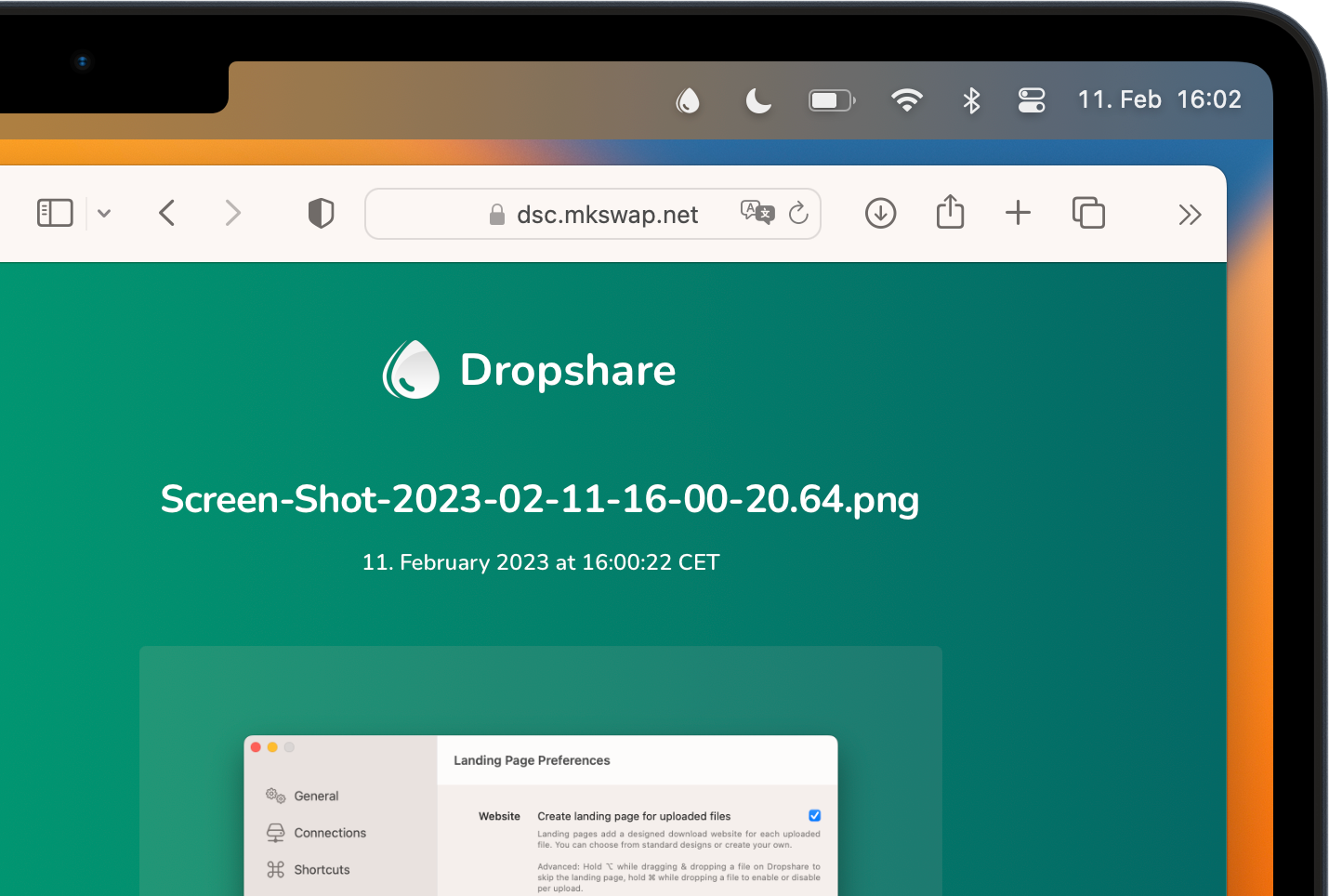
Leave the most professional impression with your uploads
Landing pages are based on HTML, CSS and JavaScript and can be designed as you like. Choose from dozens of free designs our community created or start with your very own corporate identity.
Encrypt your uploads before they are sent to the storage
Files can be automatically encrypted on your Mac before they are sent to Object Storage and Protocol Services. Only someone with the right decryption key can decrypt and open them, so uploads stay protected in transit and on the server.

Countless features available and regularly added
Landing Pages
Keyboard Shortcuts
Finder Upload
Automatic Redaction
Upload Zone on Desktop
Floating Screenshots
Command Line Interface
Automatic Deletion
Clipboard Upload
Integrations
Annotations
Email Sharing
Secure Download Links
Capture from iOS
Markdown Notes
Integrity Hashes
Screen Shots
Synchronize Upload History
Screen Recordings
URL Shorteners
Capture from Android
Filename Randomization
Image Optimization
Encryption
Get started and become a power user of Dropshare for macOS with the quick-start tutorial videos.
Access On The Go
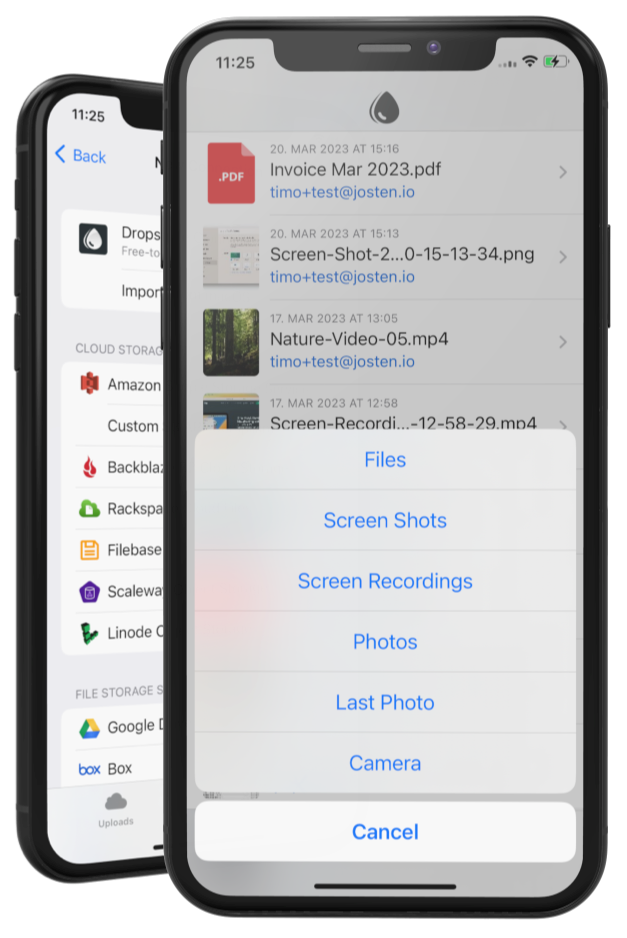
Access your complete upload history at any time with the companion app on your iPhone or iPad and also upload to many supported cloud storage providers.
Separate purchase required. Included for Setapp subscribers.
Get Your License Today

- included -
third-party subscription
-

Free 7-Day Trial
-
36+ Storage Providers
-
Free Updates
-
Native macOS & iOS App
-
Dropshare + over 230 Apps
Personal License
$ 391
one-off
-
Free 7-Day Trial
-
36+ Storage Providers
-
Free Updates for 6.x
-
Native macOS App
-
One-Off Purchase
-
3 Licenses (macOS)
-
36+ Storage Providers
-
Free Updates for 6.x
-
Native macOS App
-
One-Off Purchase
Buy Now

Open Questions?

Students & Education

Business & Enterprise
We offer custom support packages, setup assistance and volume licensing for businesses and enterprises. Contact us with your requirements or book a demo.
1 All prices including VAT. Sold by our reseller Paddle.com Marked Limited.
FAQ
Get answers to our most frequently asked questions before you download the app or purchase a license.
Can I try before I buy?

Yes, you can download the app, use the free 7-day trial and use it without any restrictions. Dropshare is also available on Setapp, and they also offer a free and unrestricted trial of their service.
Are the macOS app and iOS app separate products?
Yes, Dropshare on macOS and Dropshare on iOS are separate products. They share common features, like uploading (of course), URL shorteners, landing pages and more, and the upload history is synchronised across your devices using iCloud.
Dropshare for iOS is available as a separate purchase on the App Store and included in Setapp. Both apps have a 7-day free trial. Learn more.
Do you offer team or site licensing?
We offer custom support packages, setup assistance and volume licensing for businesses and enterprises. Contact us with your requirements or book a demo.
How many Macs can I activate my license on?
A single Dropshare license can be activated on up to 3 different Macs. We will however reset your activation count if required. Learn more.
Can you send me my license code again?
Yes, of course. Please click here to retrieve your license code again.
What is Dropshare Cloud?
Dropshare Cloud was a storage provider that was offered by the Dropshare team. It was discontinued in late 2023.
Was Dropshare built with AI support?
Dropshare is a native macOS and iOS app, written in Objective-C and Swift, established in 2013. No AI has been used to build Dropshare.
Marketing copy is the one thing. What customers say the other.
We are grateful that our customers - individuals and businesses - are usually long-time users and love Dropshare for its powerful features and flexible possibilities. And we love that they spread the word about it and give honest feedback on our work. Please see for yourself.
Satisfied customers include:




I can't imagine a better product of this type exists anywhere. Not only is it full-featured, the developer is really responsive and frequently improving the app and adding features.
Absolutely love it! been using it for 5 years now after testing all the alternatives, dropshare does it all (files, screenshots, notes, video screencasts, etc..); amazing.
Oft-updated, stable, super useful tool to upload + quickly share files on storage you control. Lots of control to make it work exactly how you want it to. One of my favs.
Hands down one of the most important tools in my tool chest.
I use Dropshare probably 100 times a day. It's a key piece of my workflow. I've tried others like cloud app, but Dropshare's combination of simplicity and power is perfect for my needs.
I've tried many apps like this one, but Dropshare is a killer. It sits there and silently does the job with few clicks or drags: that's exactly what I need.
Just wanted to say a huge THANKS for all the hard work put into the apps -- best in class across the board without question. The CleanShot integration in particular is HUGELY helpful for me. Thanks very much also for continuing to support non-sub customers!
Very pleased with the prospect of migrating my S3 bucket full of screenshots to @backblaze & @dropshare to ditch @monosnap after their aggressive pricing update!
Note that the toolchain I used on that last screen shot was Monosnap -> Preview -> Dropshare. If that works, Dropshare may get some of my money at a 1/5 the cost. Watch that price jump peeps, lest you churn all your users.
Just bought Dropshare for it's Amazon S3 and YOURLs support, plus accompanying iOS app. (I used coupon code "monosnap" to get myself 20% off)
All kidding aside we do have some B2 integrators that have similar functionality if that's what you're looking for. Dropshare tends to get kudos!
I love Dropshare, switched after @monosnap fubar'd their pricing. Only thing I miss is being able to drag/drop an annotated image into an app (e.g. email, WhatsApp) instead of uploading it. Is that (or will that be) possible with Dropshare?
Wow, @dropshare is amazing! One-drag file/capture app for Mac + Windows + Android + iOS. You can even set up your own server and domain as storage, remove files directly etc. I'm in love! 😍 PS. the video of this tweet is recorded with DropShare. Much better than QuickTime.
I love the app! Thanks for building it. It takes a *lot* to get on my primary menu bar... space there is at a premium 😂
Good software to be more and more productive. I’m using every week: WhatsApp, CleanMyMac, Downie, Dropshare, Expressions,Folx,ForkLift,Gemini,Jump Desktop,Mosaic, Numi, Paste, Paw,Permute, Sip, Squash, Timing, ToothFairy, TripMode, and more! Thank you @setapp and #Happy2Setapp
Let's get started
Download the app and start sharing today!
Free 7-day trial, no payment details required.
Stay in touch & be the first to know
Dropshare for iOS 📱
Compatible with iOS 14+
(iPhone & iPad)
Let's get started
Download the app and start sharing today!
Free 7-day trial, no payment details required.
Dropshare for iOS 📱
Compatible with iOS 14+
(iPhone & iPad)
Stay in touch & be the first to know

We'd like to use cookies!
And your privacy matters to us.
This site uses cookies to offer you a better browsing experience. Learn more.