Low-Code Native App Development Platform for iOS and macOS.
Creolabs Inc. has been acquired and Creo is no longer available for download.
Design and Build Native Apps.
Easier. Faster.
Low-Code Native App Development Platform.
Creo gives you the superpowers to create iOS and macOS apps.
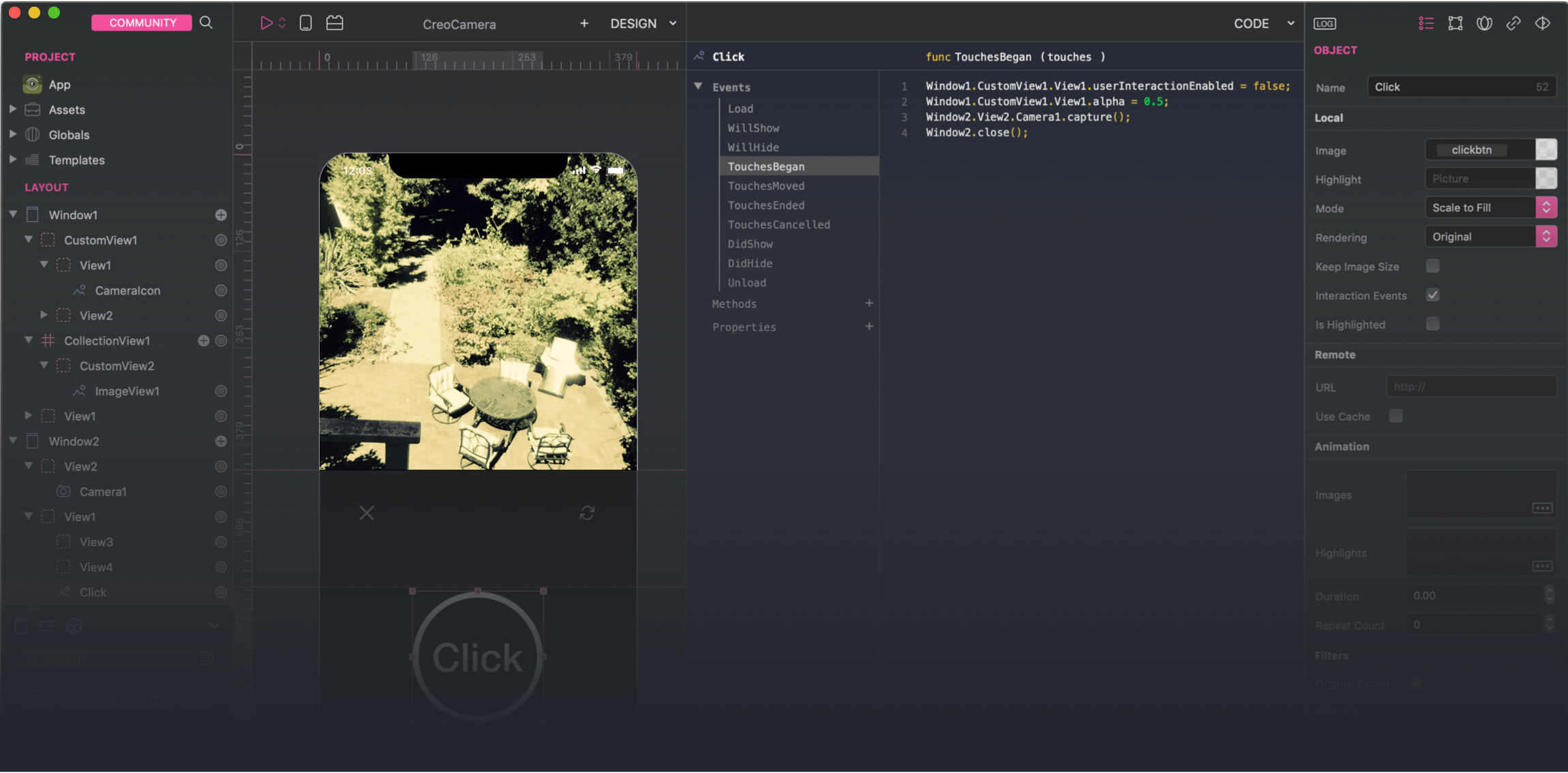
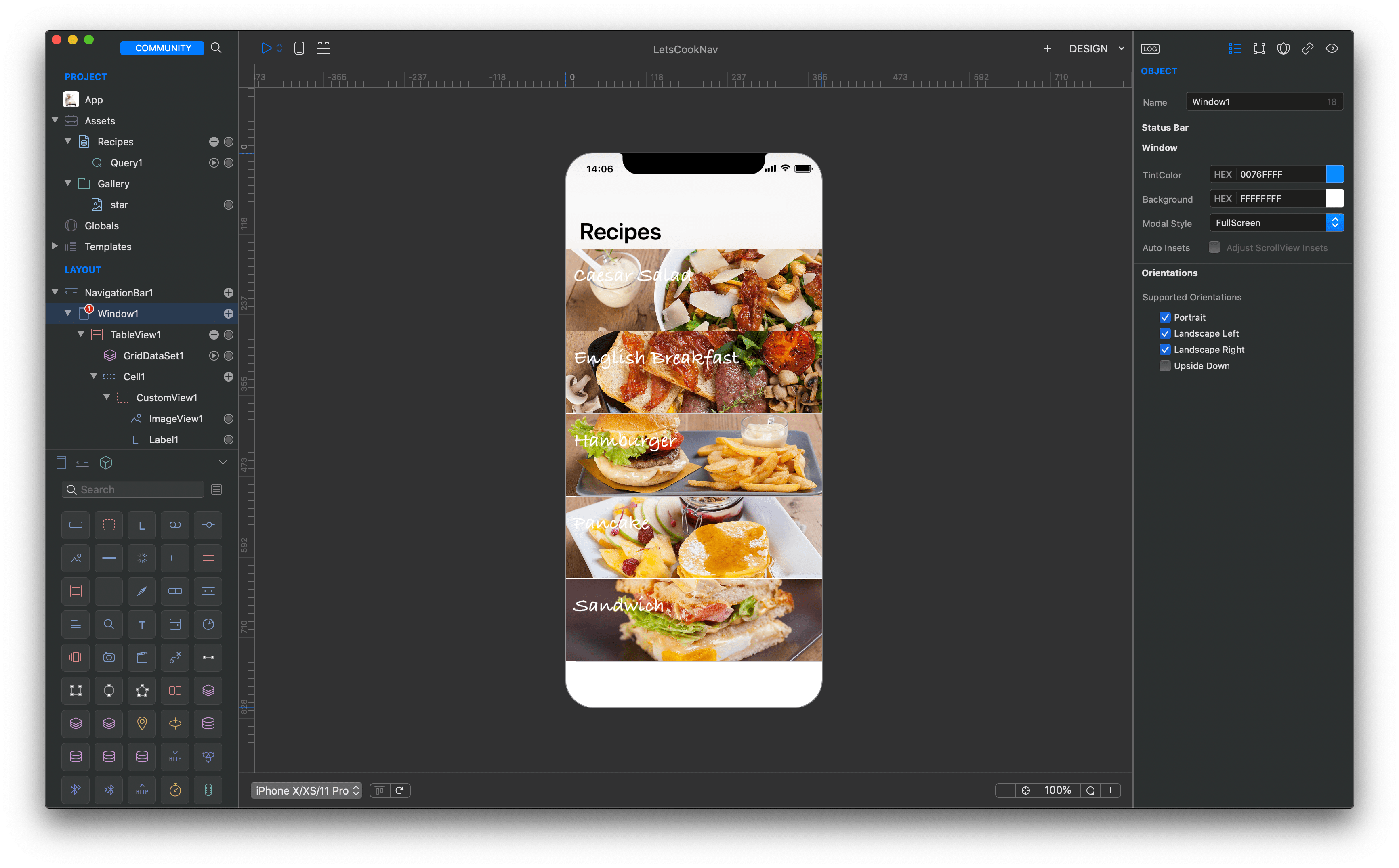
Design with native components
With Creo you can build complex navigation hierarchies or elaborated windows using a very intuitive drag & drop interface.
With Creo you can create iOS and macOS Catalyst applications with 100% UI and code sharing.
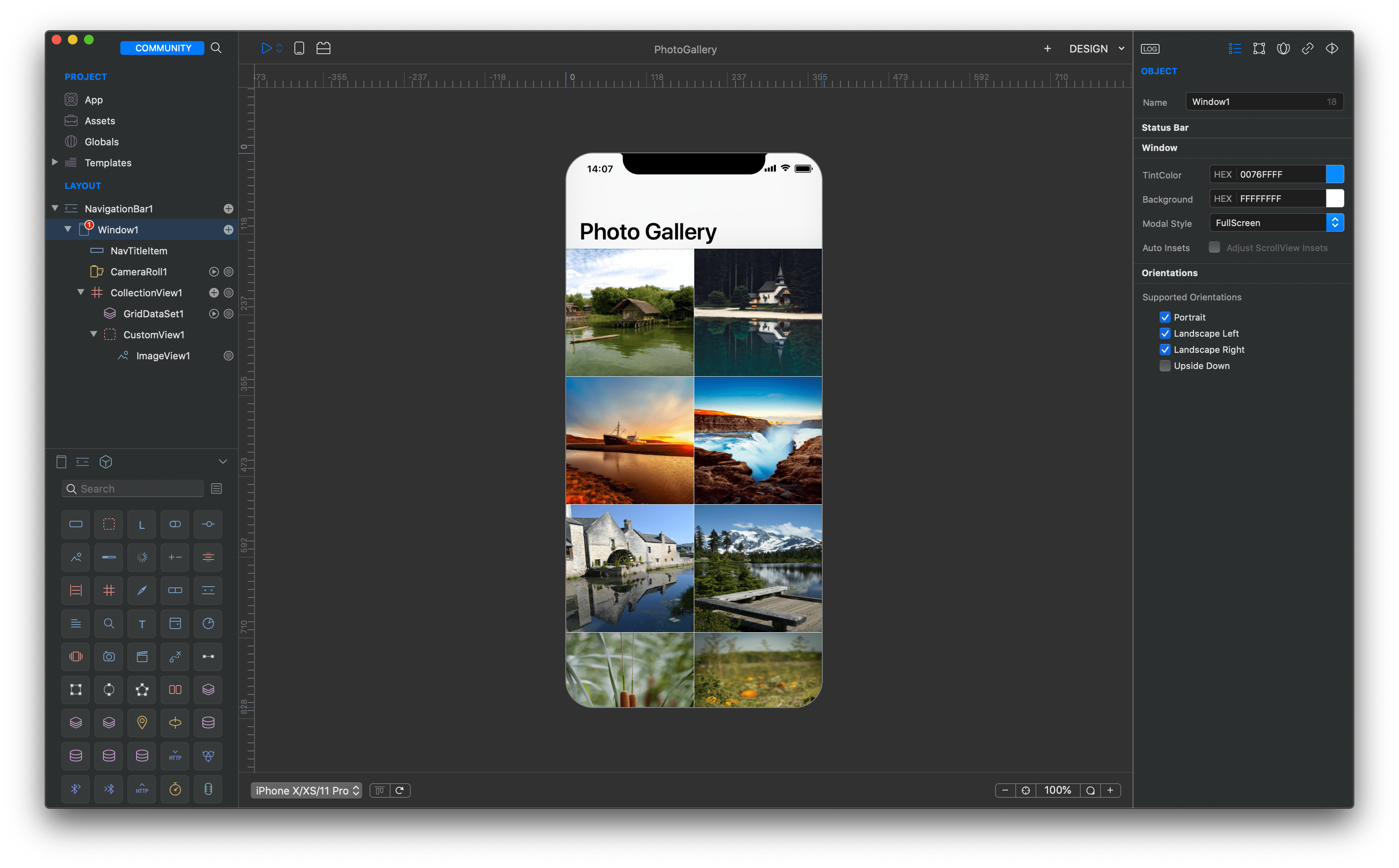
Use real data
Thanks to its underlying technology, Creo is able to show dynamic data from a variety of sources directly while designing your app, without the need of running it.
Some of the built-in DataSet are SQLite, MySQL, cubeSQL, PostgreSQL, REST API, device sensors and much more.
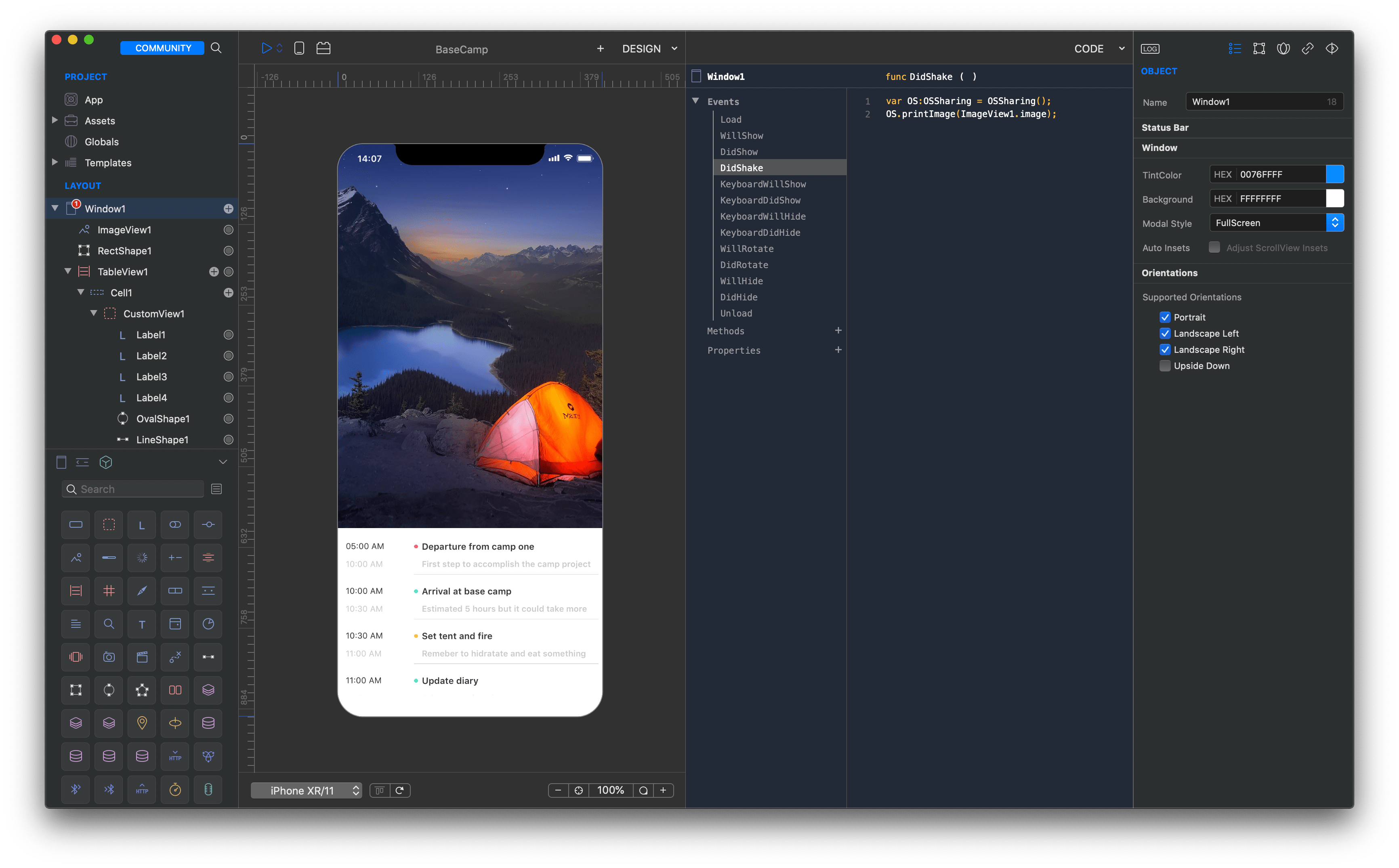
Beautiful IDE and blazing fast simulator
In Creo everything is an object. That means that every object can respond to events and perform specific actions written in the Gravity programming language. Creo supports Xcode Swift project exporting.
Build complex apps in hours
“I didn’t want to just play around with another design tool. I set a goal – I wanted to build an app that would work the way I had planned, something that visually fits the apps I design and proves it’s possible to build something sensible and good-looking in Creo.”
Create animations with an intuitive timeline interface providing real-time feedback.
Animation
Creo introduces a new way to create animations with an intuitive timeline interface providing real-time feedback.

Animation
Code
In Creo everything is an object. That means that every object can respond to events and perform specific actions written in the Gravity programming language.

Code
Native connections to relational databases such as SQLite, MySQL, cubeSQL, and PostgreSQL.
Database
Creo supports connections to relational databases such as SQLite, MySQL, cubeSQL, and PostgreSQL and provides specific tools to easily create and test queries.

Database
DataSet
Thanks to its underlying technology, Creo is able to show dynamic data from a variety of sources directly while designing your app, without the need of running it.

DataSet
Build complex navigation hierarchies or elaborated windows using a very intuitive drag & drop interface.
Drag & Drop
With Creo you can build complex navigation hierarchies or elaborated windows using a very intuitive drag & drop interface.

Drag & Drop
Preview
You can preview your apps in real time using the free CreoPlayer iOS application available for both iPhone and iPad.

Preview
Access all the underlying hardware sensors with a very intuitive event based interface.
Sensors
Creo gives you access to the underlying hardware sensors with a very intuitive event based interface.

Sensors
App Builder
You can compile your project directly within Creo once you are ready to test your application on a real device.

App Builder
Drag and drop components in Creo, press Export and you’ll have a fully working Xcode project. That would be unbelievable if it wasn’t true.
Code Export
Drag and drop components in Creo, press Export and you’ll have a fully working Xcode project. That would be unbelievable if it wasn’t true.
Code Export
Flex Layout
Build flexible layouts on any platform with a highly optimized layout engine designed with speed, and ease of use in mind.

Adaptive UI
Native UI
Thanks to the powerful Creo underlying technology everything you see on your screen is not emulated in any way but it's real iOS code running on your Mac.

Native UI
Camera
Explore advanced Camera settings or automatically capture barcodes with a very a simple and intuitive inspector.

Camera
 Start creating awesome applications today.
MacOS 10.11 or higher is required.