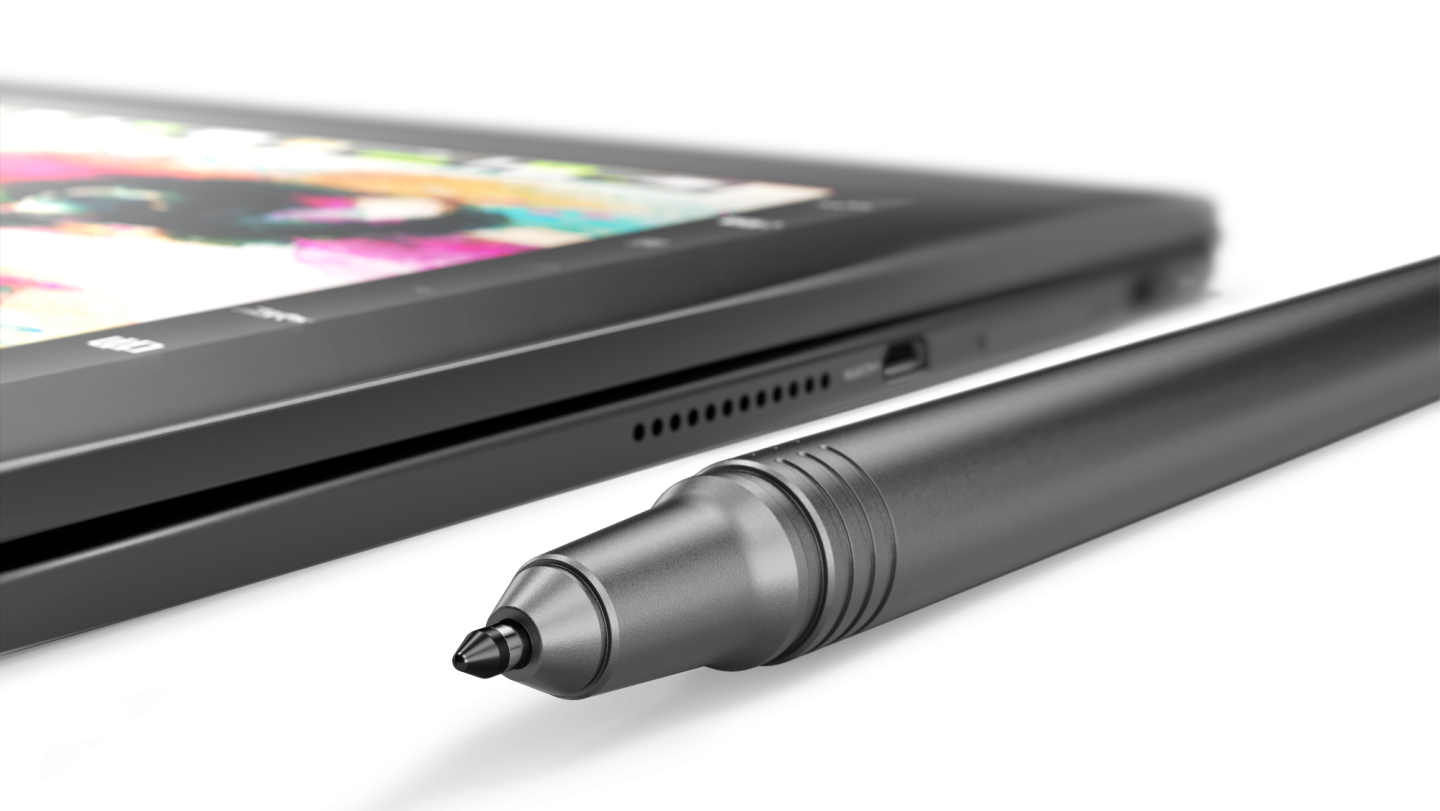
The very pen-like Real Pen.
Credit: Lenovo
The very pen-like Real Pen. Credit: Lenovo
Lenovo insists that the virtual keyboard is every bit as fast and accurate as a physical one, albeit with a bit of training required: under-25s can get up to speed in as little as 40 minutes, with older users apparently taking a couple of hours. Our experience with the Microsoft Touch Cover suggests that this isn’t completely outlandish; while that keyboard took a little getting used to, due to its lack of well-defined keys or tactile feedback, within a few hours it was capable of supporting surprisingly fast and accurate typing.
The Yoga Book is powered by a Cherry Trail Intel Atom x5-Z8550 processor with 4GB RAM, 64GB storage. The screen is a 10.1-inch 1920×1200 IPS display; while this is a little less long and thin than the 16:9 aspect ratio found on most laptops, it’s still quite narrow when compared to standard A4 or US Letter paper (though it’s a bit less narrow than US Legal). The Yoga Book has a typical array of sensors (accelerometer, ambient light, and so on) and cameras (8MP autofocus rear, 2MP fixed focus front), as well as connectivity both from 2.4/5GHz 802.11 a/b/g/n/ac and a global LTE modem with a nano SIM slot. The whole package weighs 1.5 lbs (0.69kg).
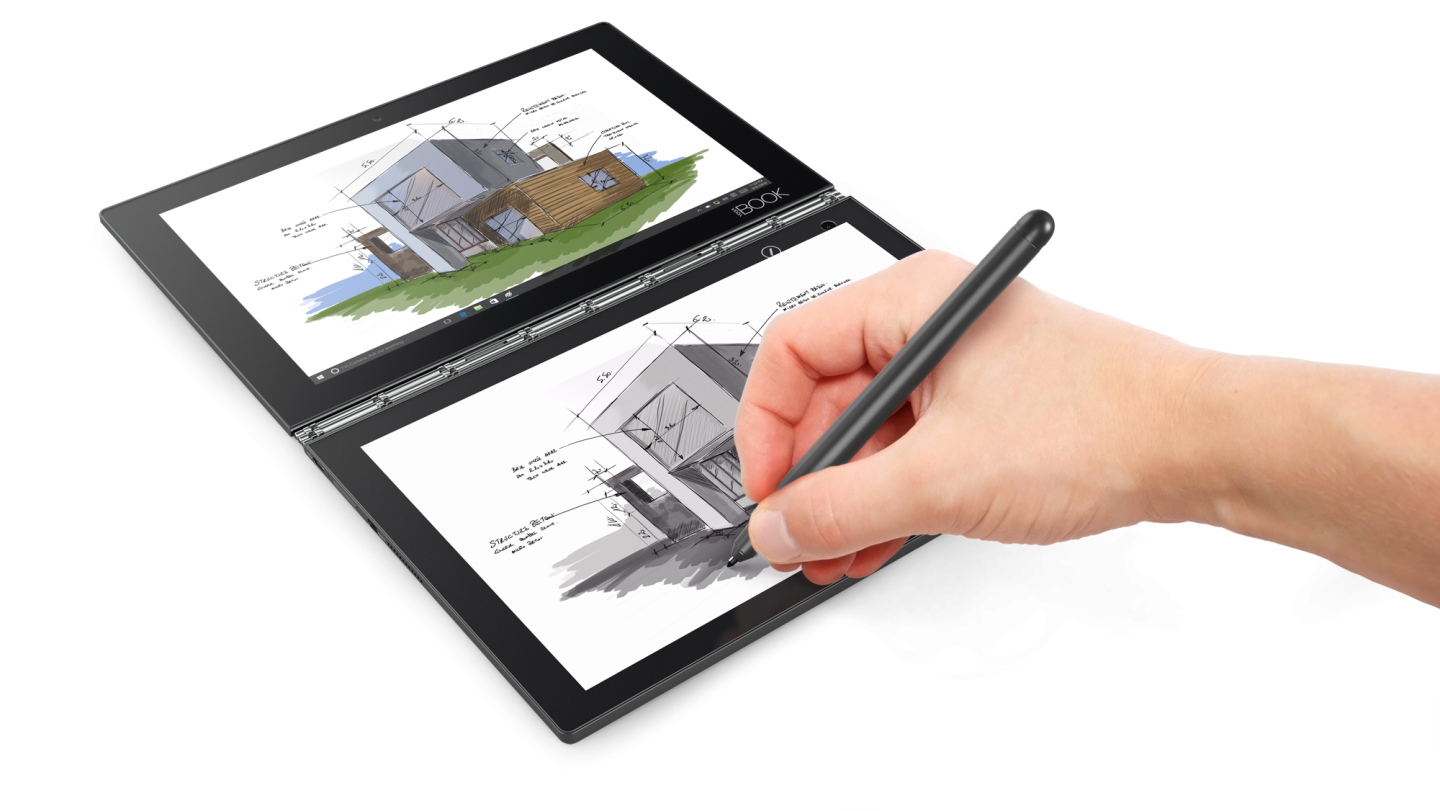
Draw on the bottom, and it gets digitized on the top.
Credit: Lenovo
Draw on the bottom, and it gets digitized on the top. Credit: Lenovo
The hardware design is unusual and so too is the software. The Yoga Book can come with Windows 10, coming in at $549 when it goes on sale in October. But it’s also available for $499, shipping with Android 6. In its Android guise, Lenovo has built what it calls “Book UI,” a multitasking, multi-window interface for Android. It also comes with a special app, named Note Saver, for taking down notes and annotations (things that would be handled in OneNote on Windows). The Android version is available in two colors, “Gunmetal Grey” and “Champagne Gold.” The Windows version comes in “Carbon Black.”